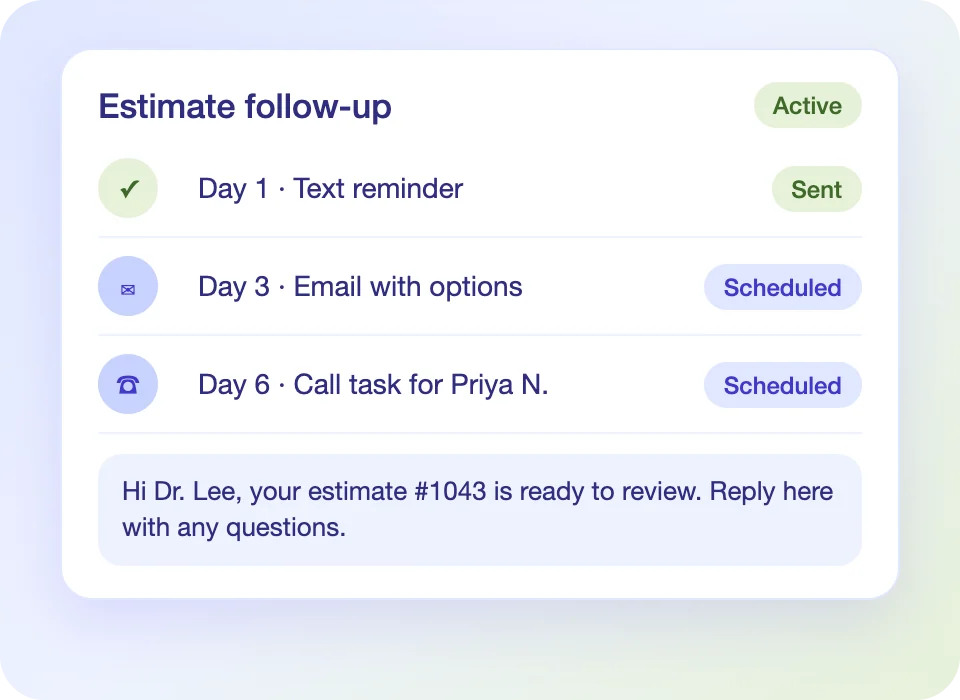
Text and Email Sequences
A defined cadence with branded templates and send windows.
Sales Automation
Lead sources, sequences, tasks and estimates share one pipeline, with an accountable owner and next step on every opportunity.
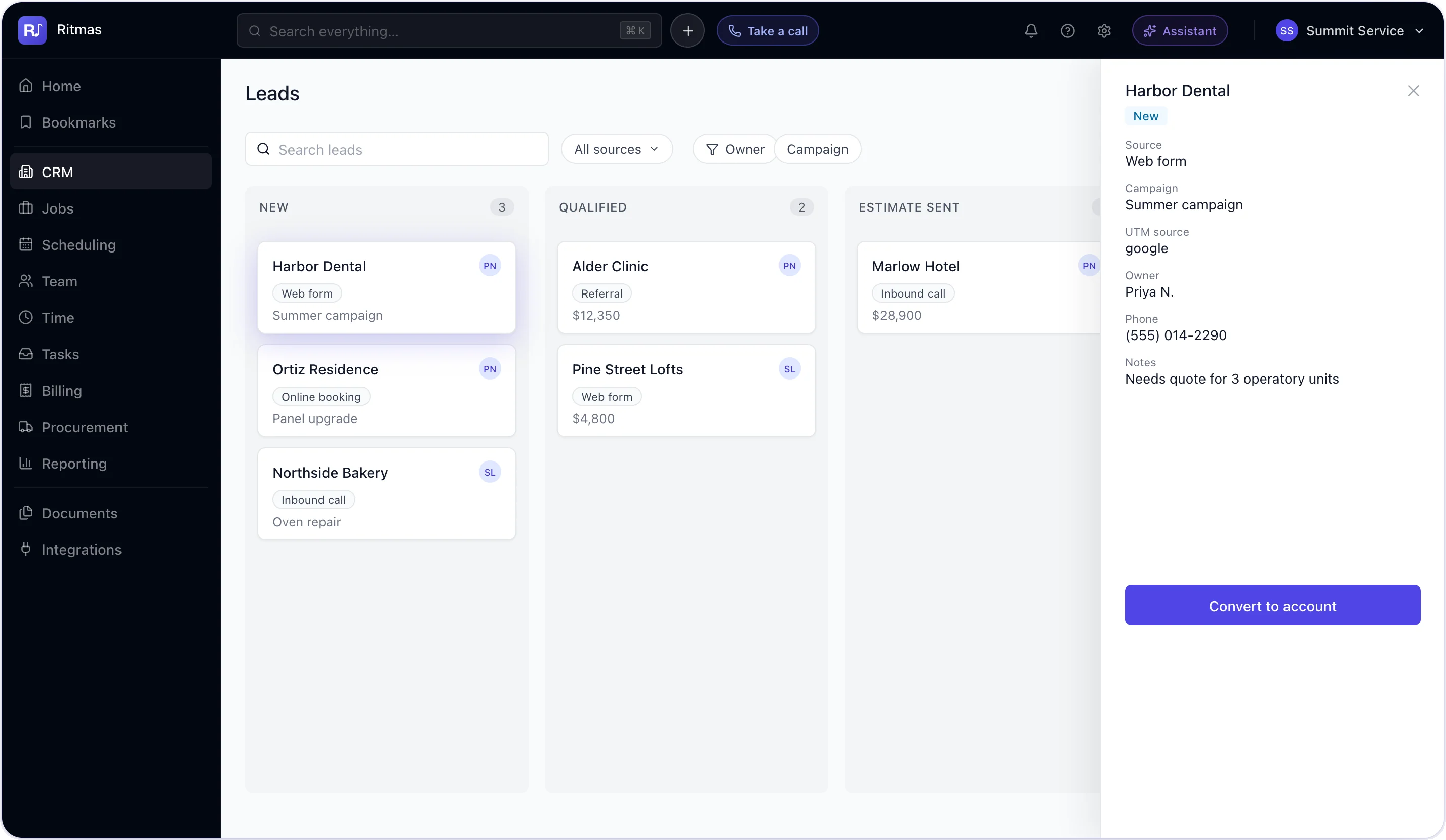
Lead Capture
Calls, web forms, appointment requests and imports create leads with contact, location and campaign data. Every lead has an owner and a status from first contact.

Pipeline
Inbound inquiry logged with source and owner.
Need, budget and contact details confirmed.
Options delivered, with follow-up scheduled.
Open items assigned with due dates.
The approved estimate creates the job and carries the source forward.
Configured to your organization
Follow-Up
Text and email sequences run on a defined cadence and stop on customer response.
A defined cadence with branded templates and send windows.
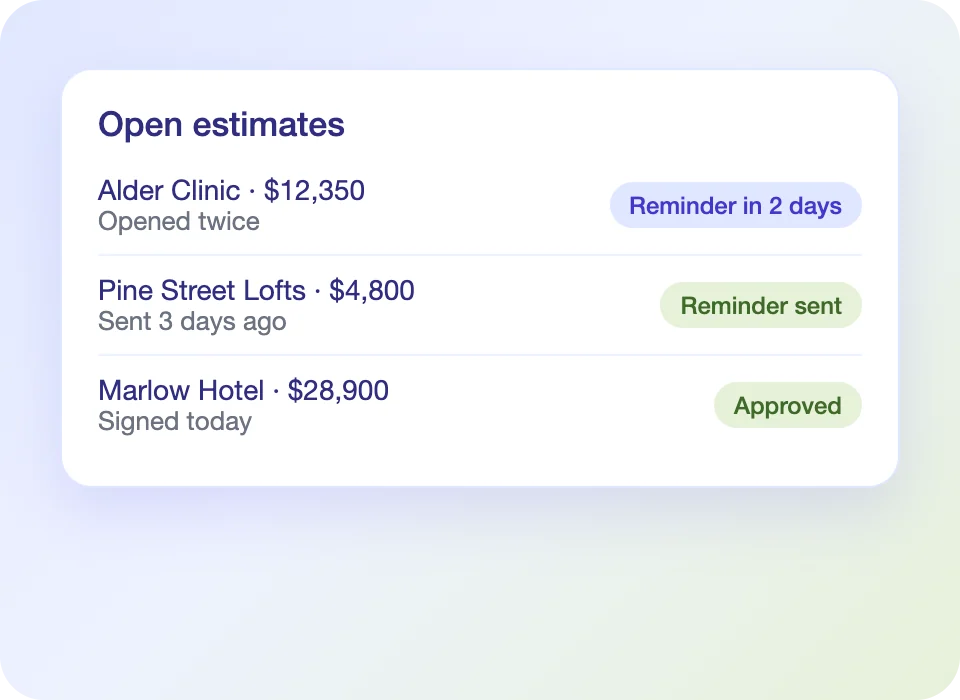
Unapproved estimates trigger reminders until approved or closed.
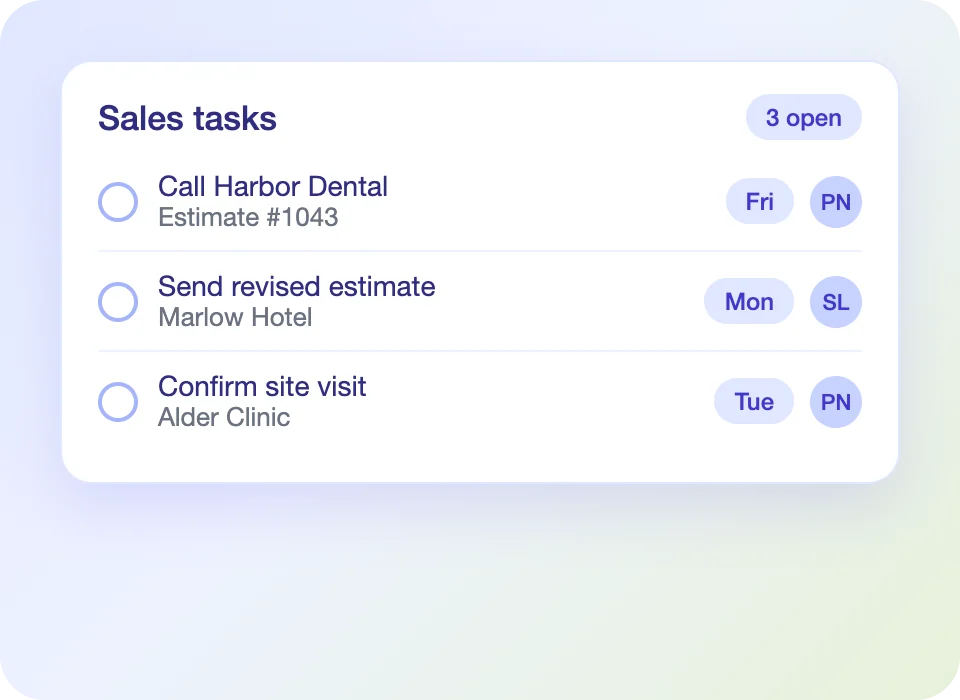
Calls and due dates go to named owners.
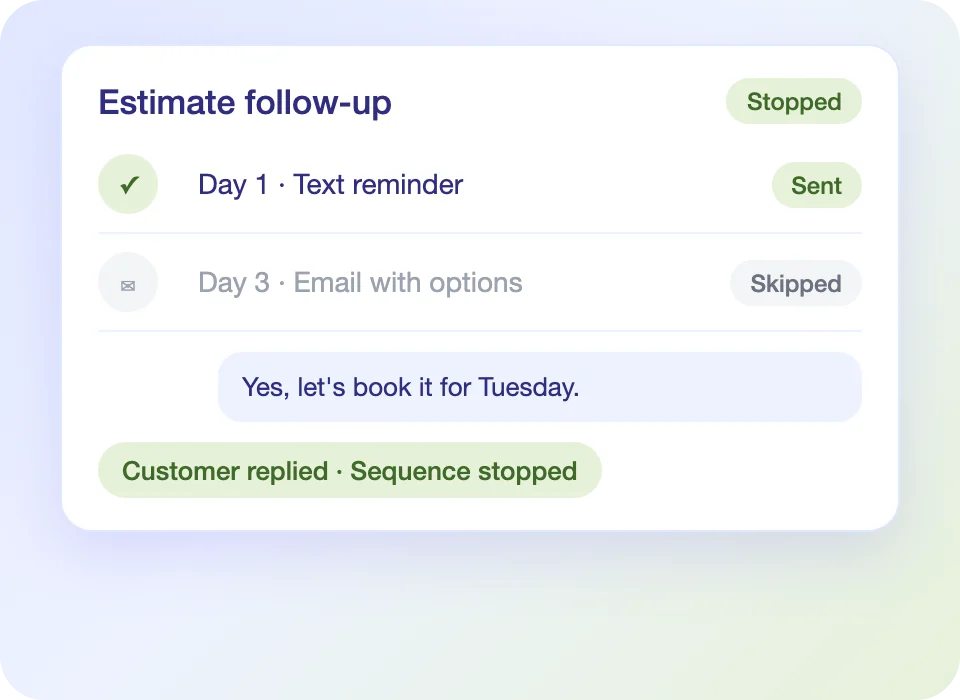
Sequences end when the customer replies or books.
Estimates
Estimates connect to the lead, the pipeline and the job they create.
Present tiers side by side for customer selection.
Customers review and approve from a text or email.
Present financing on the same screen as the estimate.
Capture sign-off and create the job automatically.
Performance
The source stays attached from lead to invoice.
Link leads to campaigns and report cost per job won.
Compare estimates sent and won across the team.
Compare job value by source, rep and trade.
Lead capture, pipeline stages, follow-up sequences, estimates and source reports.
Calls, web forms, appointment requests, the portal and imports.
Yes. A sequence ends when the customer replies or books.
Yes. Stages, sources and lost reasons are set for your organization.
Yes. Each lead keeps its campaign through to the invoice, and reports show revenue and cost per job won.
See how Ritmas carries every lead from first inquiry to approved estimate.