
Every Stage Starts with the Work Order
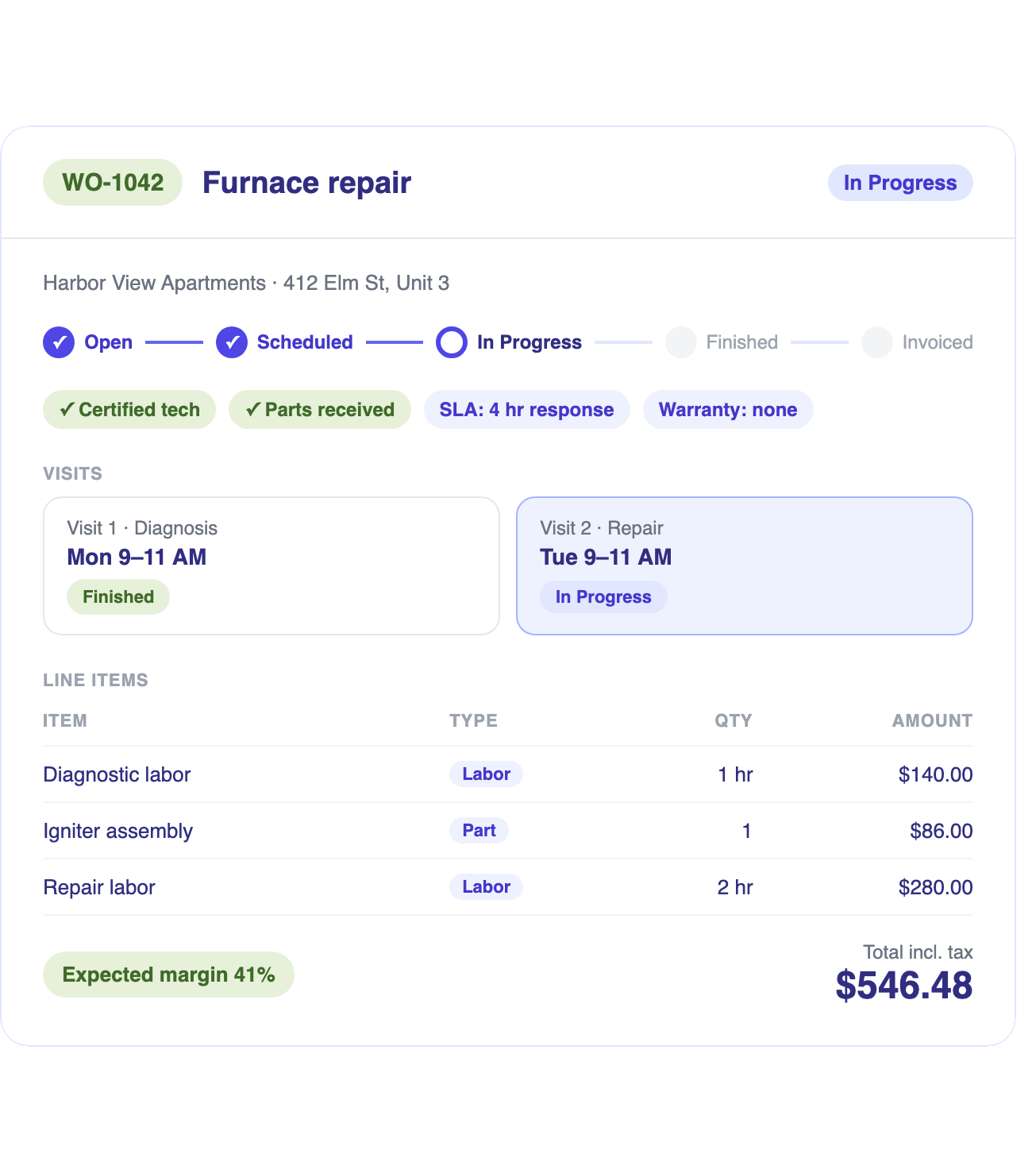
Capture details once and carry them through scheduling, dispatch, field work and billing, with each step driven by the same record.
Work Order Intake & Scope Management
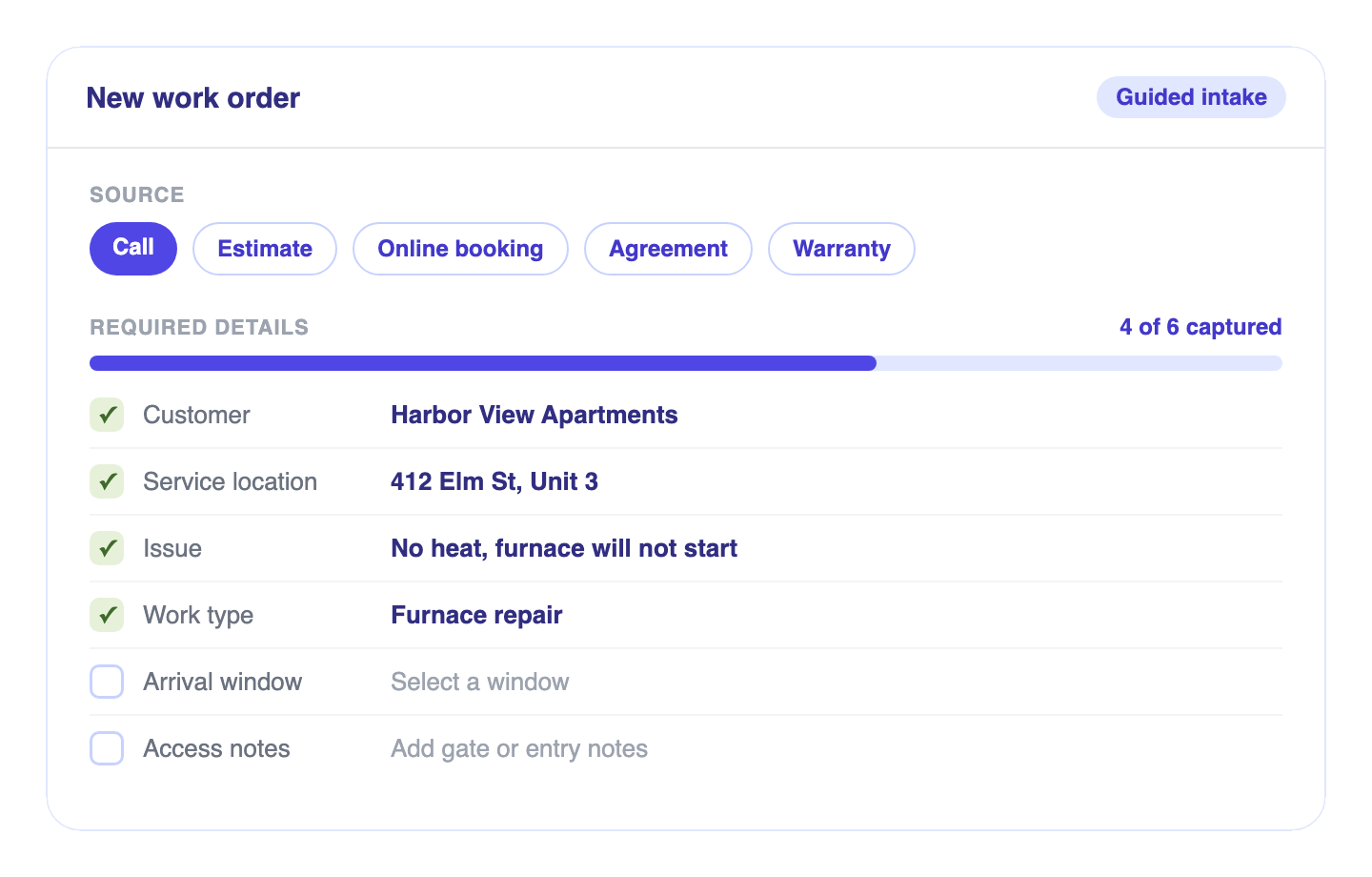
Guided Work Order Creation
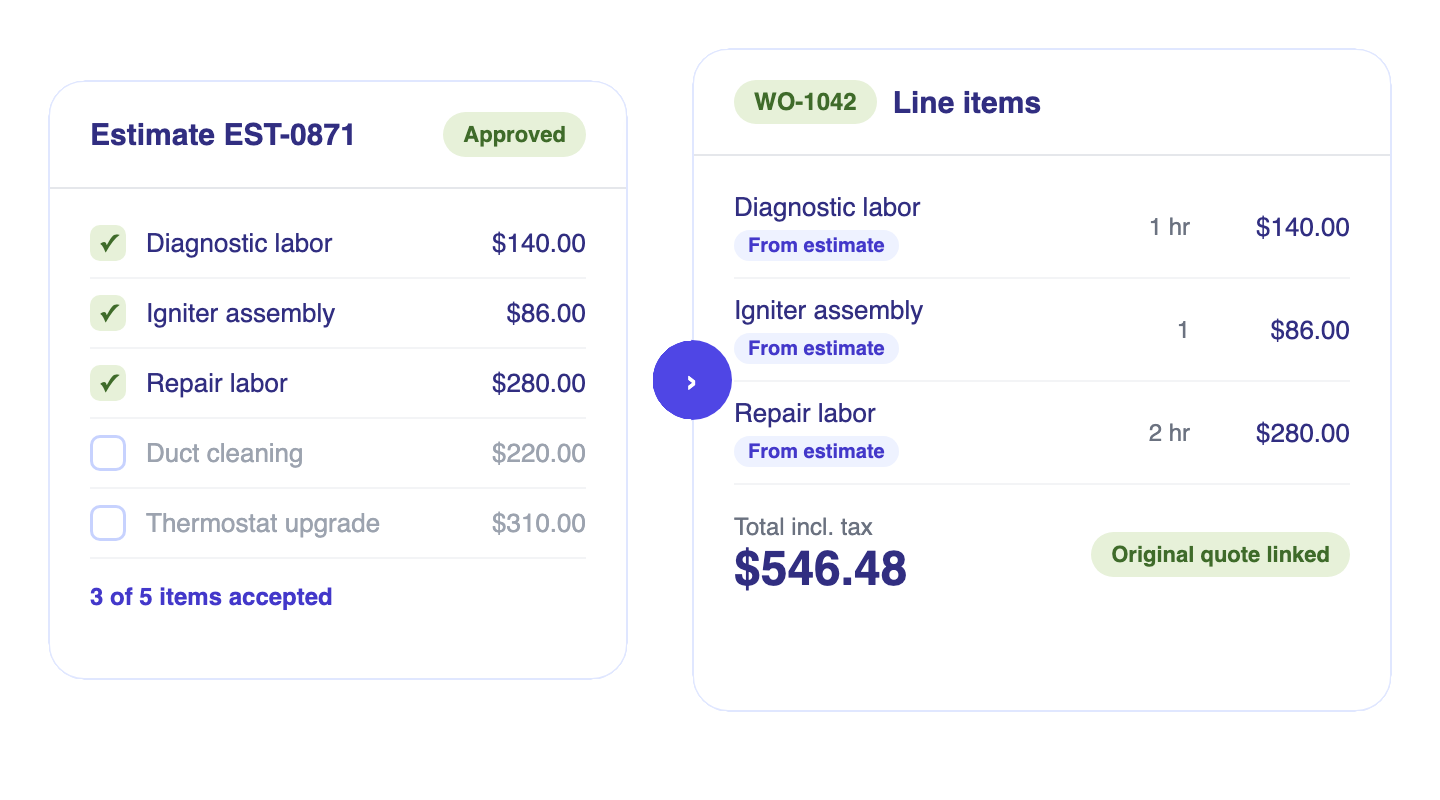
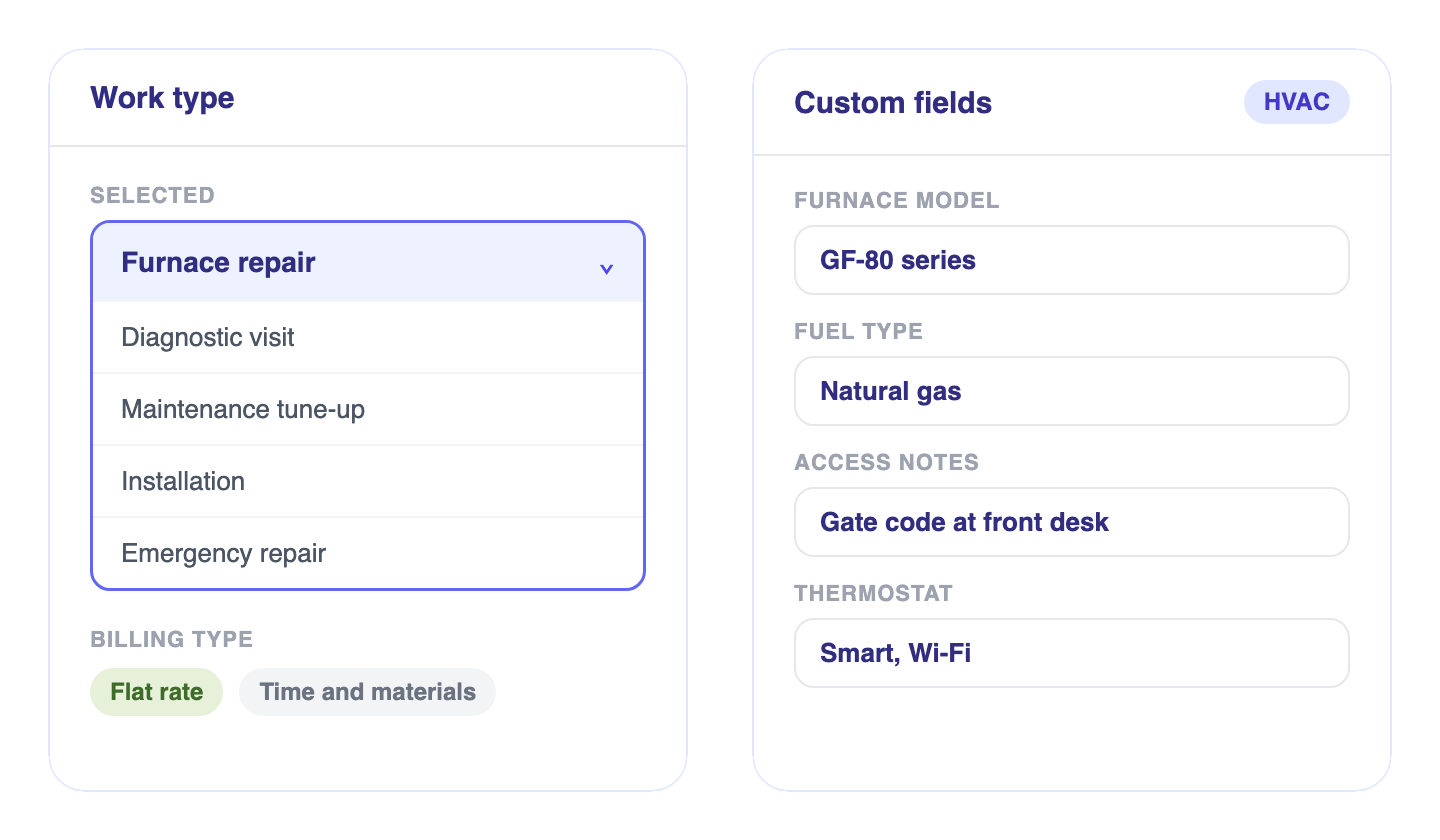
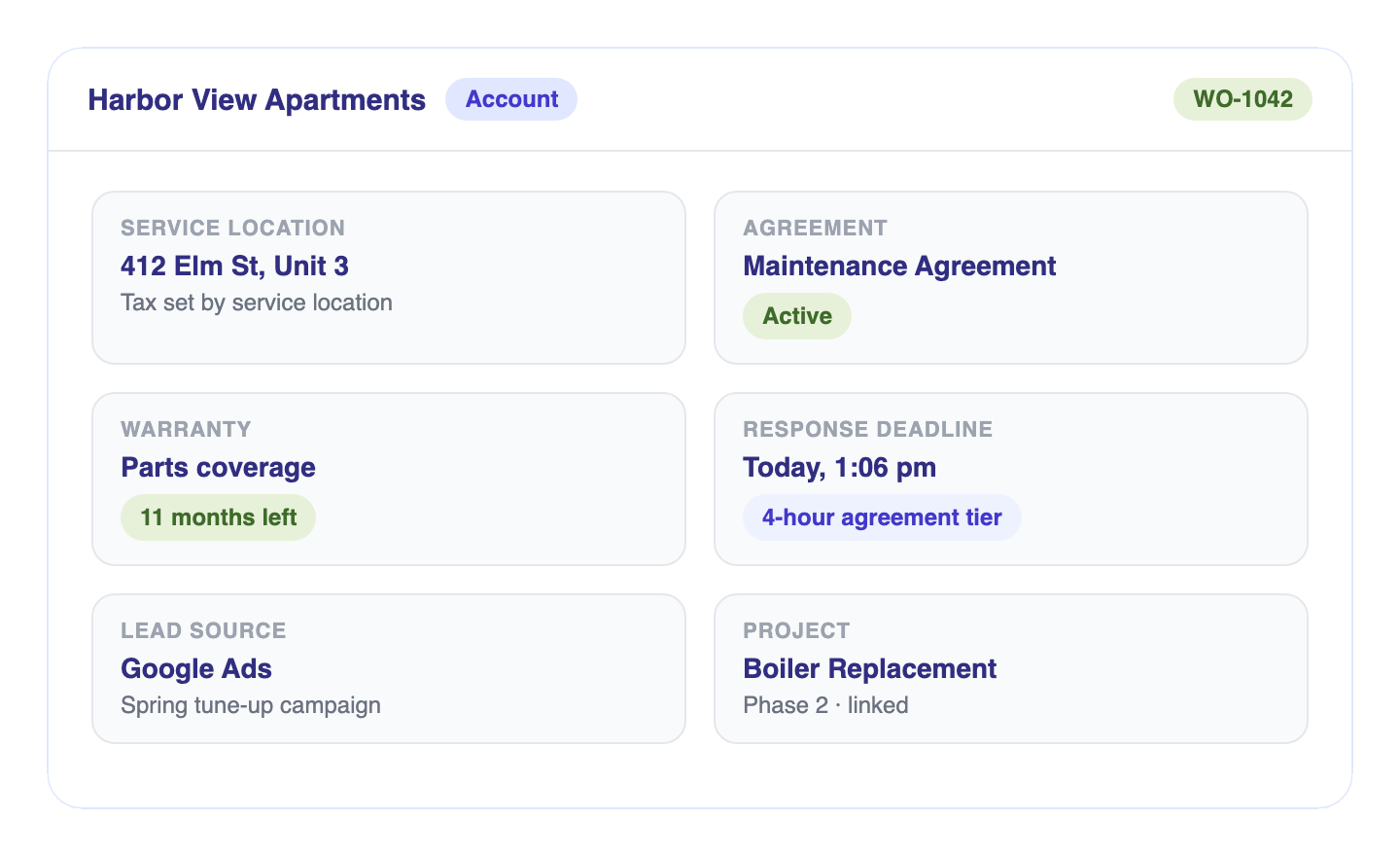
Create work orders from calls, estimates and maintenance agreements with
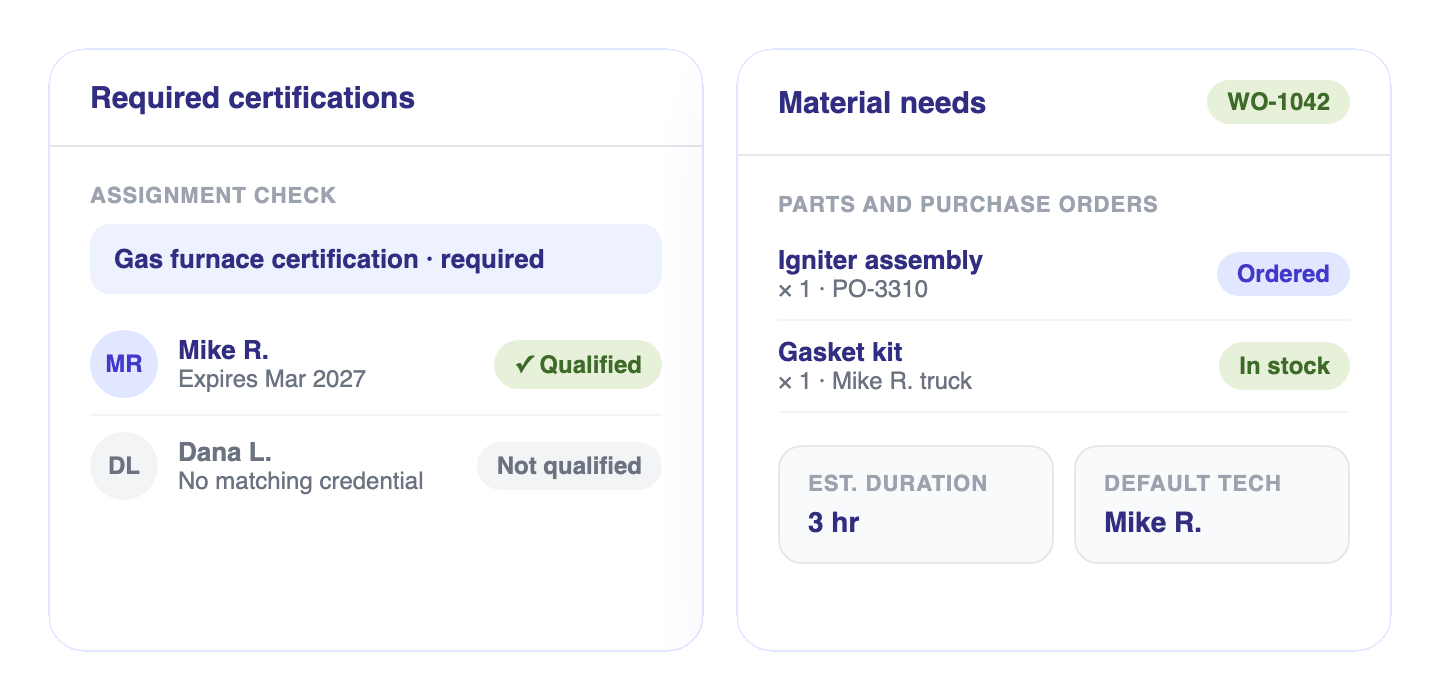
itemized scope, custom fields, required certifications and material needs.
Dispatch Readiness & Field Execution
Complete Visit Management
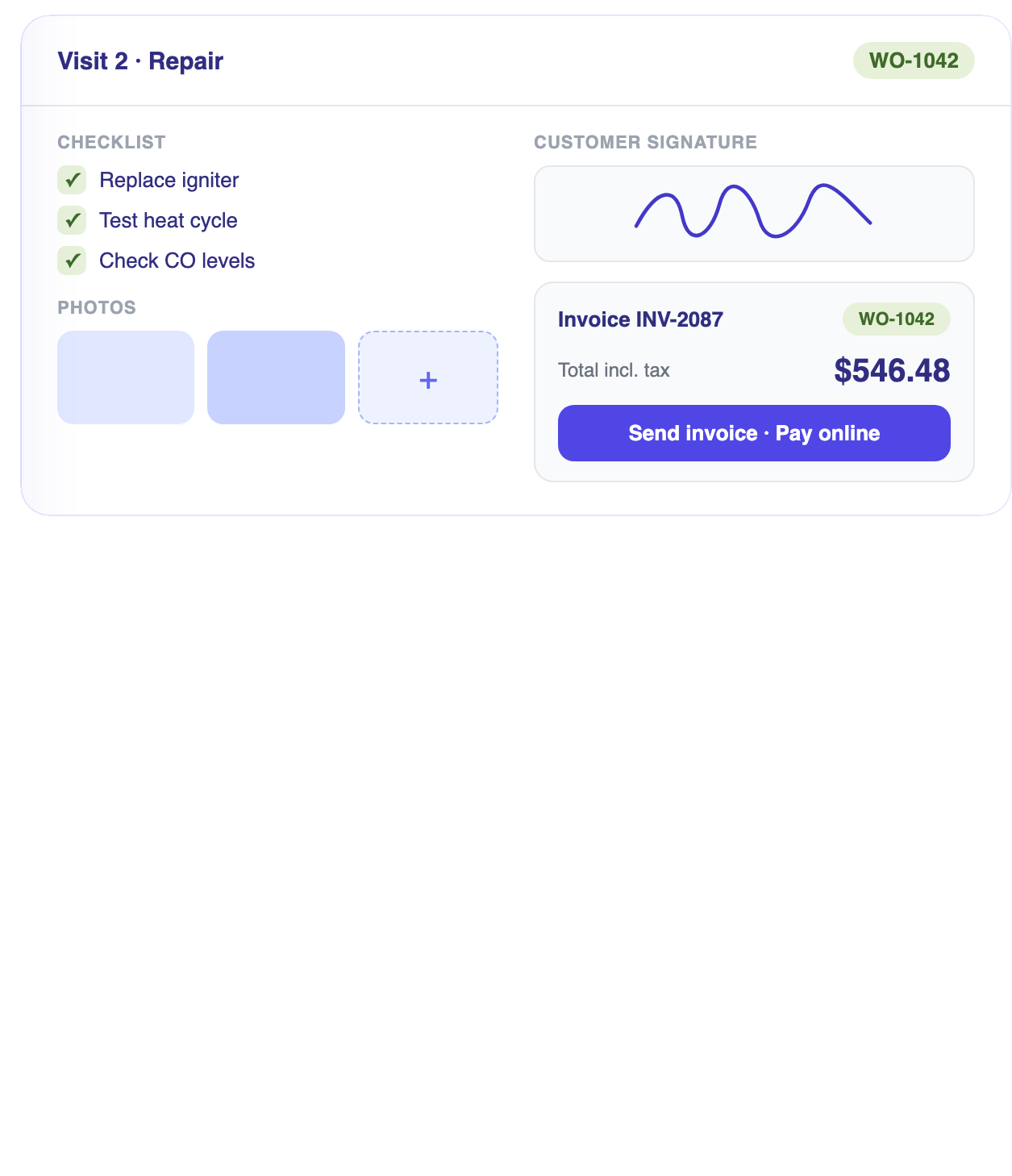
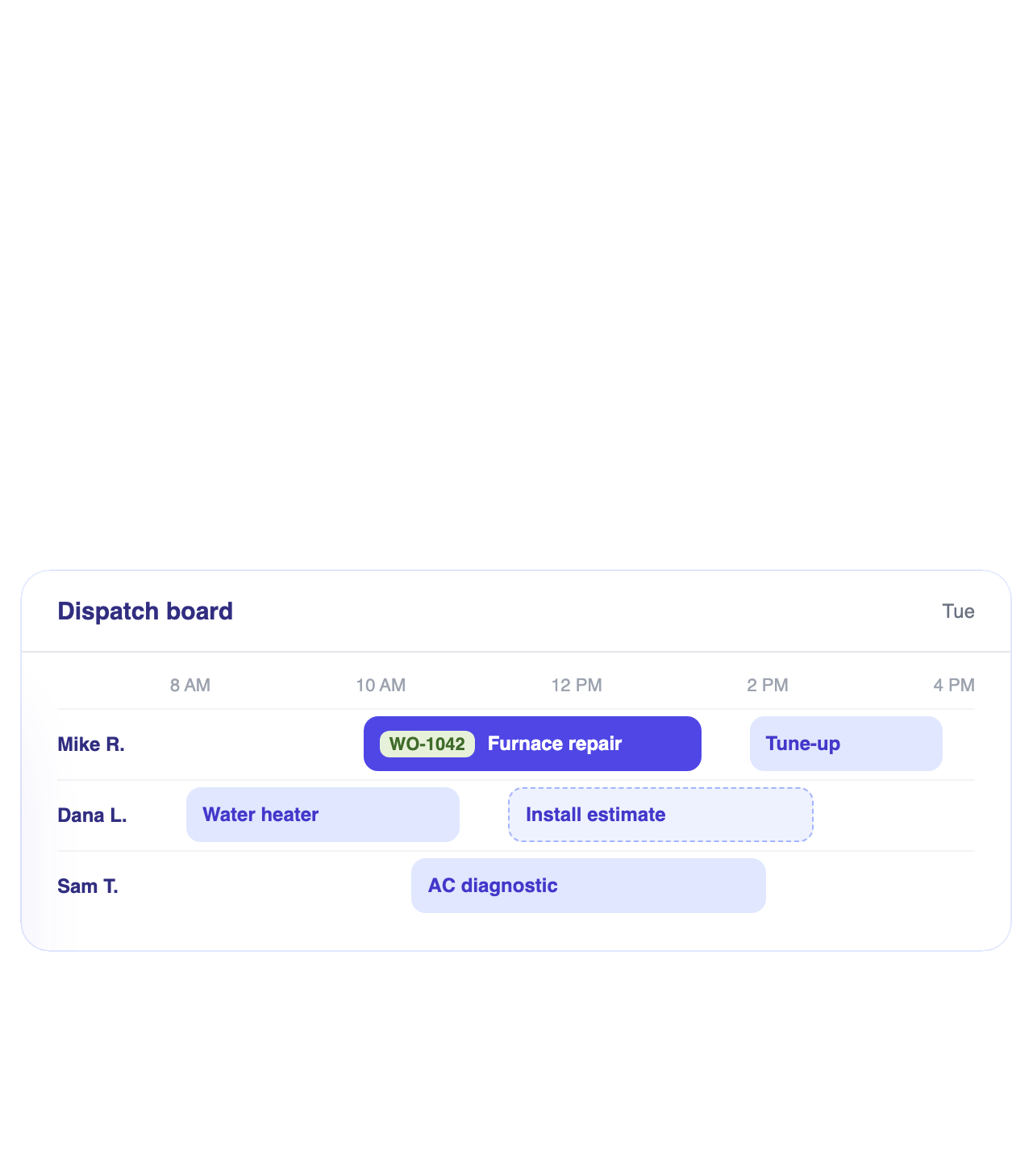
Coordinate visits under one work order, hold dispatch until materials arrive, and capture forms, photos and signatures at the point of service.
Visit Management Across Multi-Trip Work
Book every trip as a visit under the work order, each with a separate crew, arrival window and status. Follow-up work stays on the same record.
Parts-Aware & Qualified Dispatch
Hold dispatch until purchase orders are received, assign the technician with the part on the truck and confirm required certifications before the visit is booked.
Status Workflow & Pause Reasons
Define the statuses your business uses, require a reason for key transitions and pause a blocked work order with its place in the workflow intact. Each finished visit asks whether the job is complete.
Field Forms, Photos & Signatures
Attach the forms and checklists each work order requires, then collect photos, notes and customer signatures on site, saved to the visit record.
Customer Updates & Work Order Link
Share a live link and PDF with the address, totals and visit timeline, plus purchase order status in the customer portal. Texts and emails send from the same record.
Margin Control Through Final Invoice
Track quoted, expected and actual margin, route scope changes through approval and invoice from a single source record.

- Margin known only after the invoice
- Extra work agreed by phone
- Invoices keyed from separate records
- Callback cost buried in overhead
- Commissions compiled in spreadsheets
- Quoted, Expected & Actual MarginCompare quoted, expected and actual margin by labor, parts and expense, updated as costs post.
- Scope Changes & Invoice GenerationApprove added work with a signature rule, then invoice one or many work orders as deposit, progress or final.
- Warranty & Callback CostCallbacks link back to the first work order at zero revenue, with their cost tracked against that job.
- Commissions & Revenue AttributionCommissions follow each work order, with lead source and campaign carried through to payment and acquisition cost per job.
Work-order questions
The short answers. Reach out any time if you want to dig into the details.
What is the difference between a work order and a visit?
The work order holds the whole job: scope, pricing, and status. Visits are the individual scheduled field events under it, so a job that takes several trips stays organized under one record.
Can I attach custom forms and checklists?
Yes. You attach the forms and checklists a job needs, so techs capture the right information on every visit.
Are photos and sign-off saved to the job?
Yes. Photos, notes, and signatures attach to the work order, so you have a complete record of what happened on site.