
Order Materials Without Re-Entering Data
Open a purchase from any work order, project, or visit with customer and address
carried over, then direct it to a vendor with terms and lead times preloaded.
Work Order Purchasing
Generate a purchase directly from an active work order, with the customer, service address, and scheduled visit carried over automatically.
Project and Visit Allocation
Assign each purchase to a single visit, an entire project, or no job at all for shop stock. Materials spend then rolls up to the level of work where it belongs.
Price Book Integration
Select materials from the company price book with the most recent purchase cost applied, or add specialty parts manually. Totals calculate as lines are added.
Ship-To and Delivery Options
Route materials to the job site, warehouse, or office as delivery, will-call, or drop-ship, with the destination address saved on the purchase for reference at receiving.
Delivery Dates and Currency
Record needed-by and expected delivery dates to support scheduling, and price each purchase in the vendor's currency to reflect what the supplier actually charges.
Manage Vendors on File
Maintain payment terms, lead times, tax details, and remit-to addresses on every vendor record, and add a new supplier from within the form without interrupting the workflow.
Clear Visibility Into
Every Shipment
Log each shipment as it lands, flag work waiting on parts, and keep customers informed of arrival dates, with returns and serial numbers handled in the same system.
Every Delivery
Recorded as It Arrives
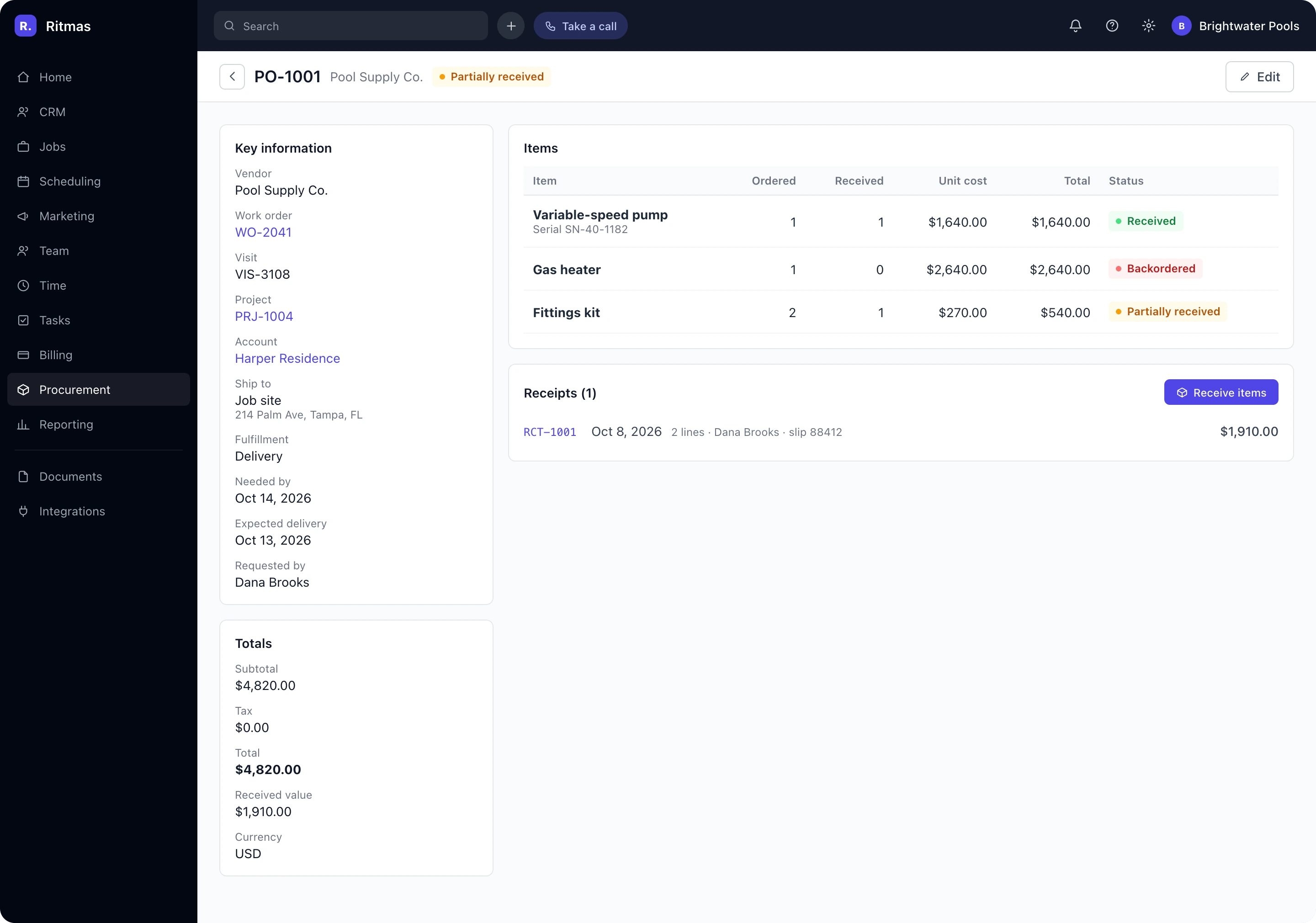
Capture quantities, condition notes, a packing slip number, and a photo with each shipment, while backorders and over-receipts keep the line accurate.
Always Know Where
Each Line Stands
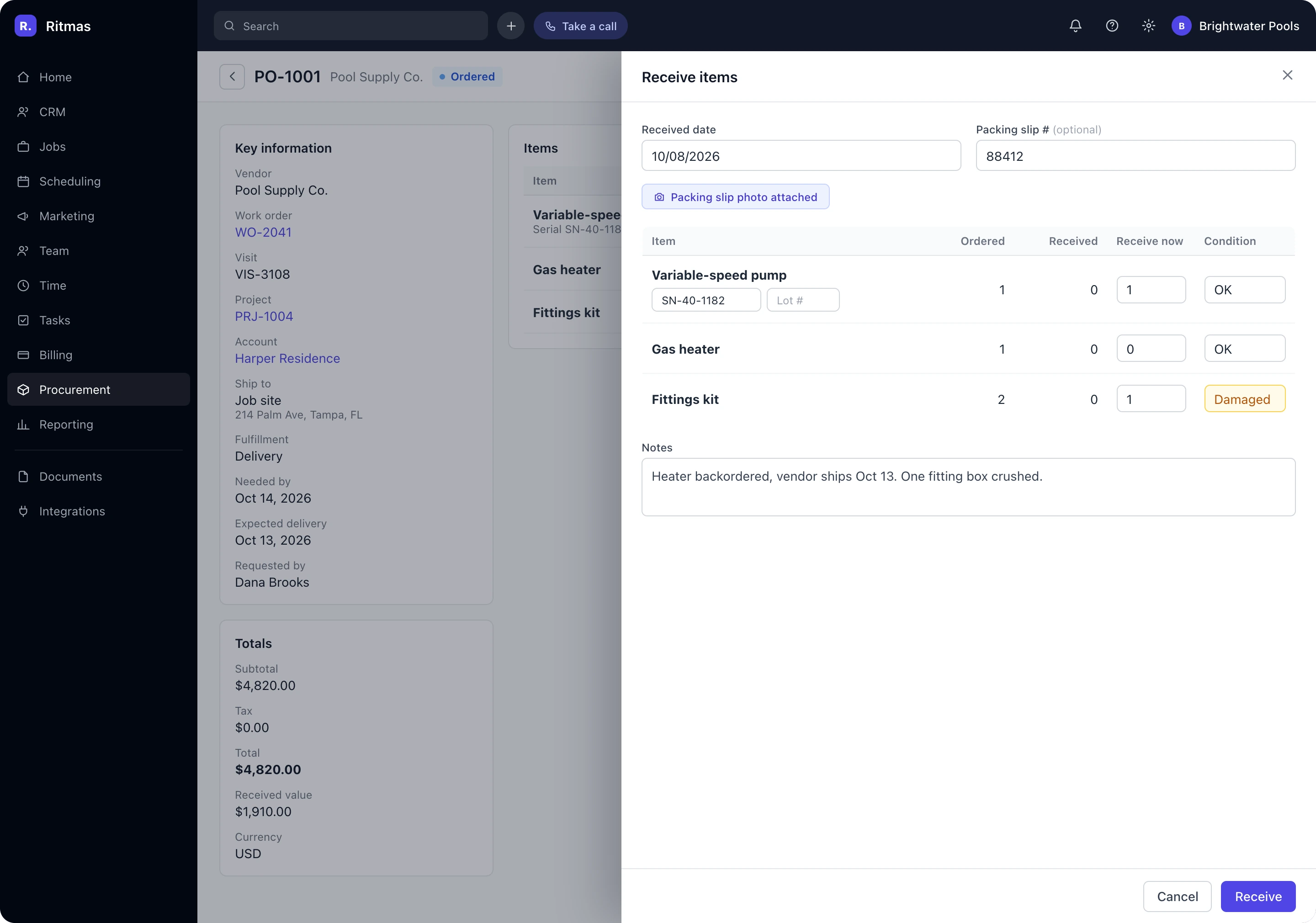
Statuses update automatically as parts arrive, and a pause reason such as waiting on vendor explains any stalled purchase.
Schedule Crews Only
When Parts Are Ready
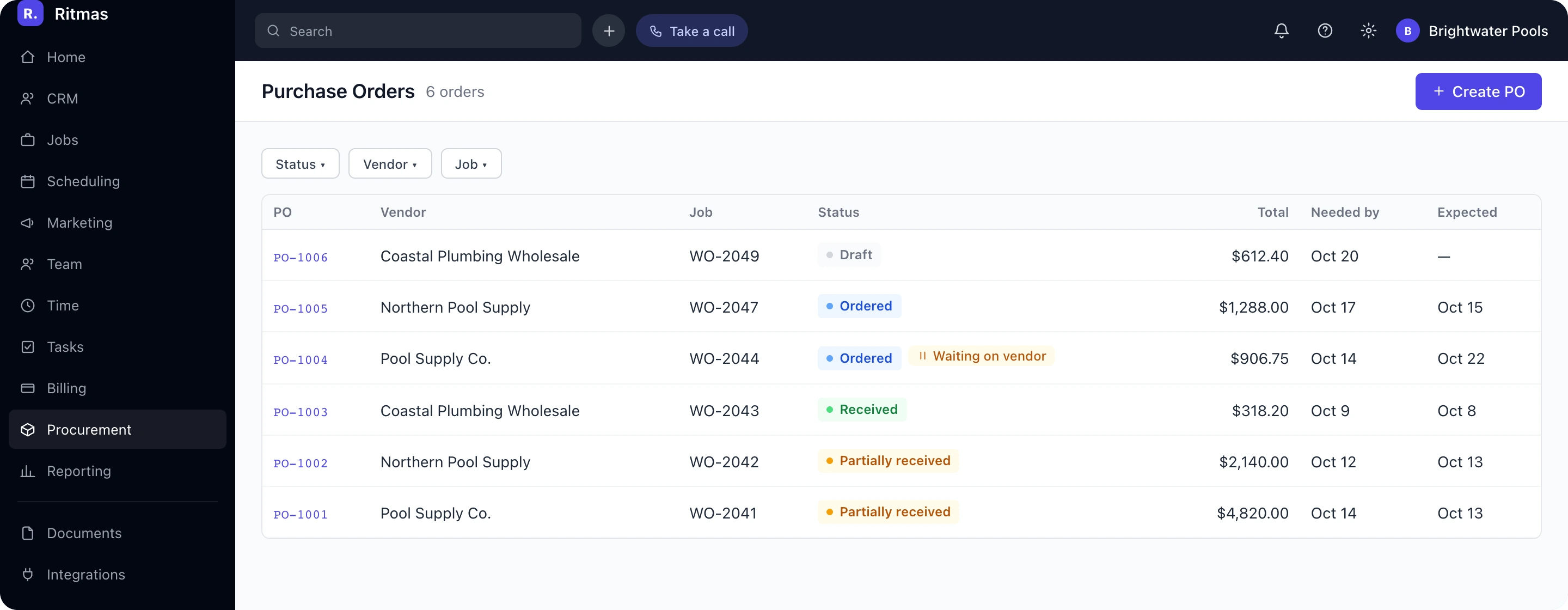
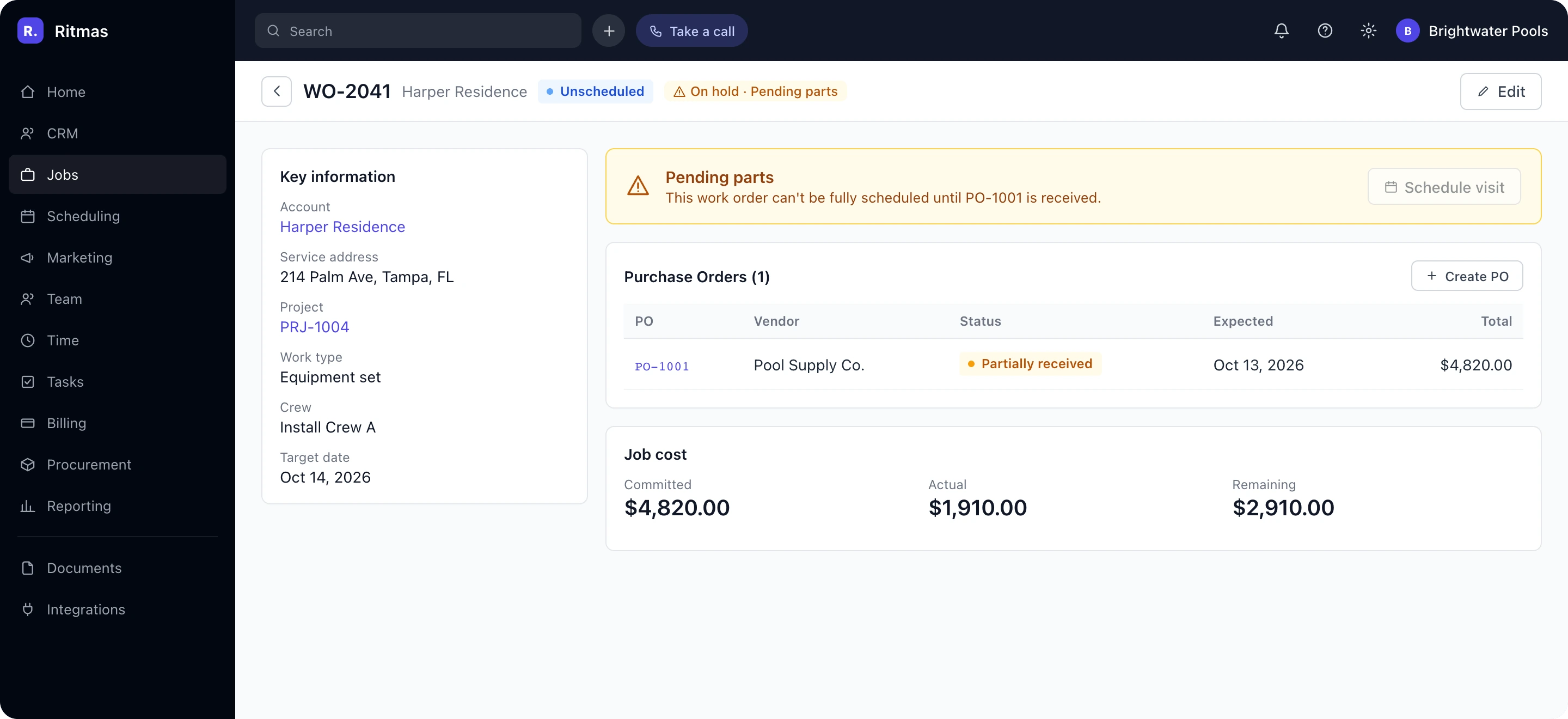
Work with unreceived materials is flagged and held from full scheduling until delivery is confirmed.
Keep Customers Informed
Without a Phone Call
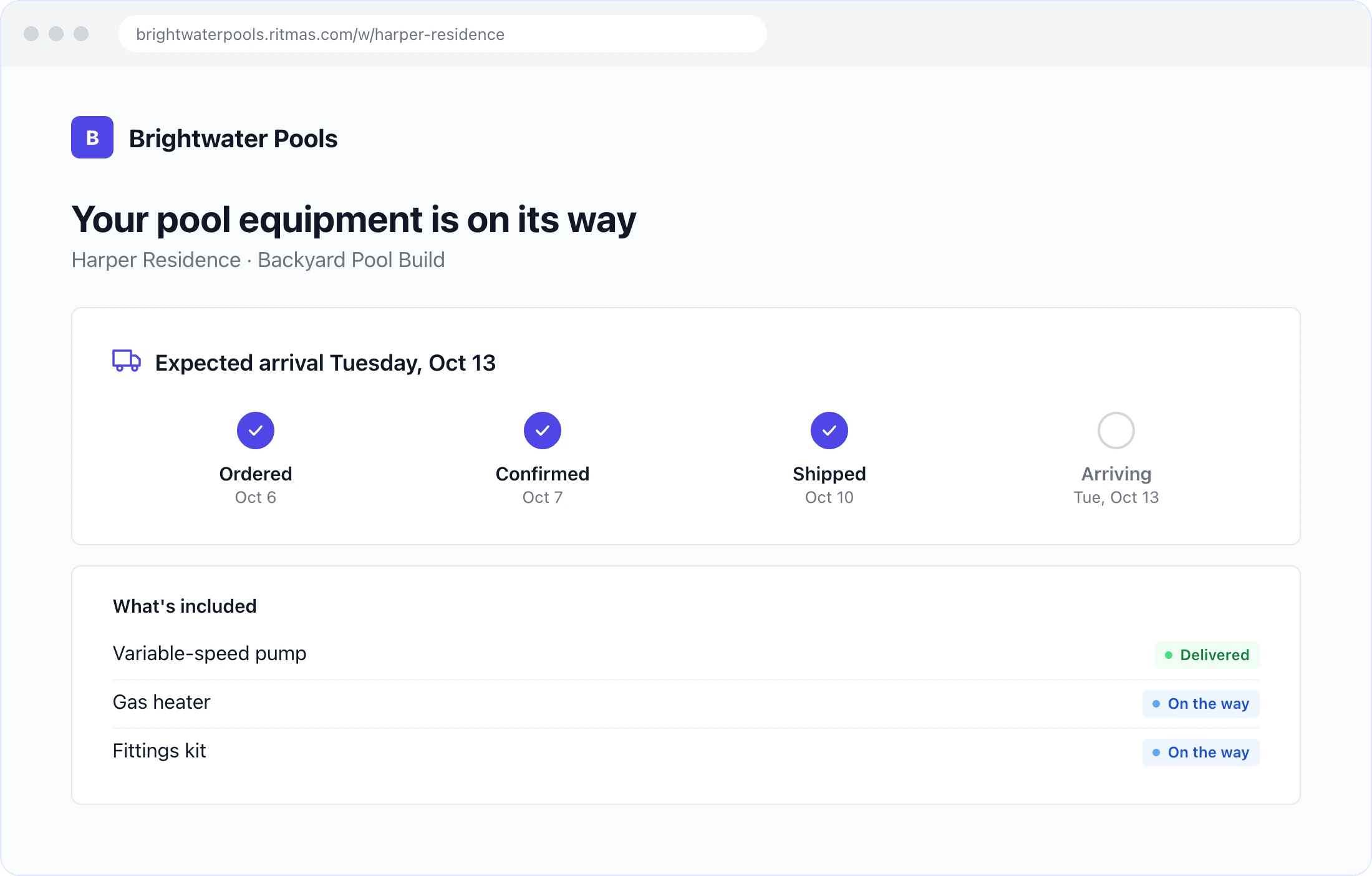
The customer portal shows plain-language delivery progress and the expected arrival date, reducing status inquiries to the office.
Every Change Stays
on the Record
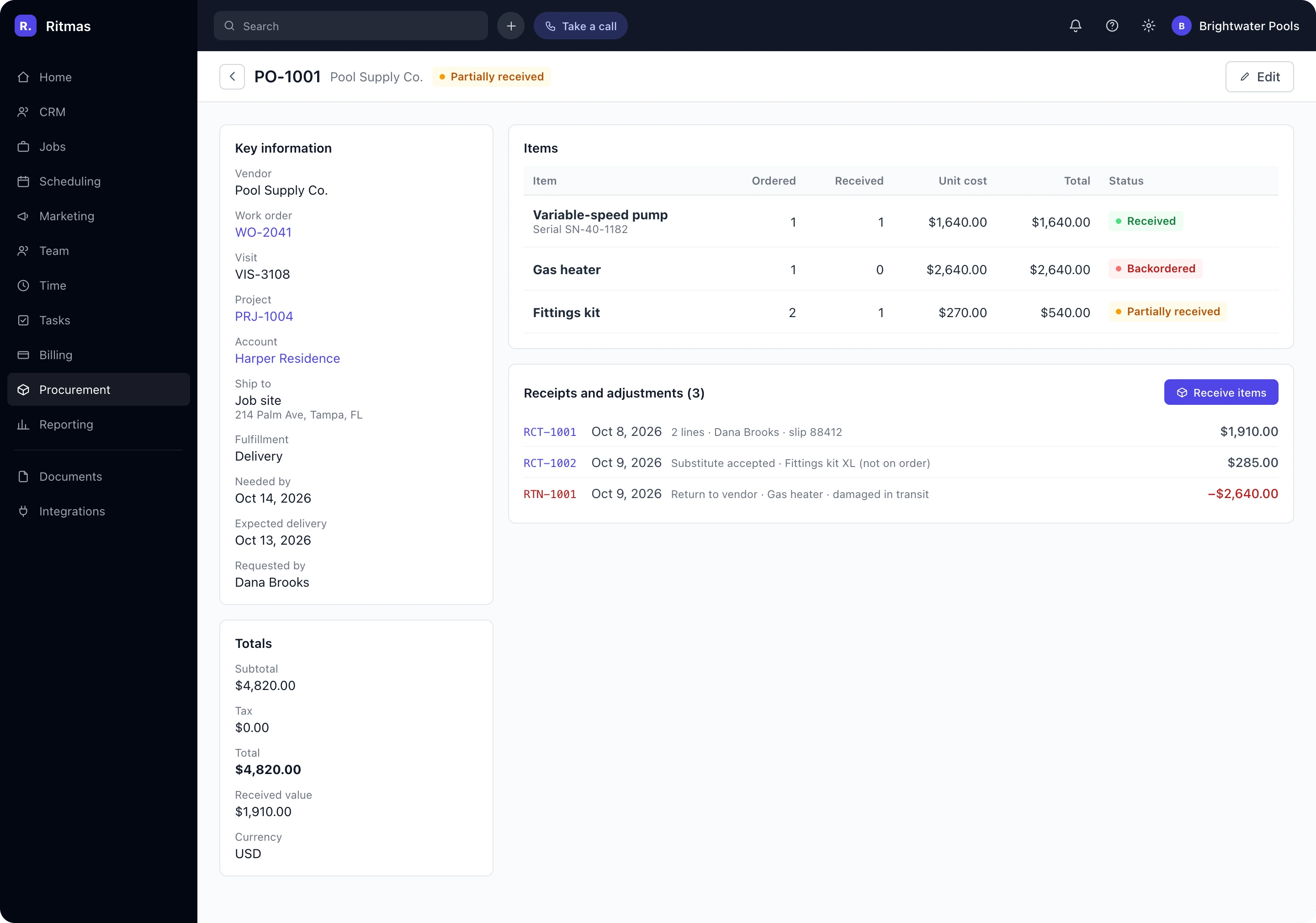
Send items back to the vendor or accept a substitute that was never ordered, with each adjustment documented against the original purchase.
Receive Anywhere
With Full Traceability
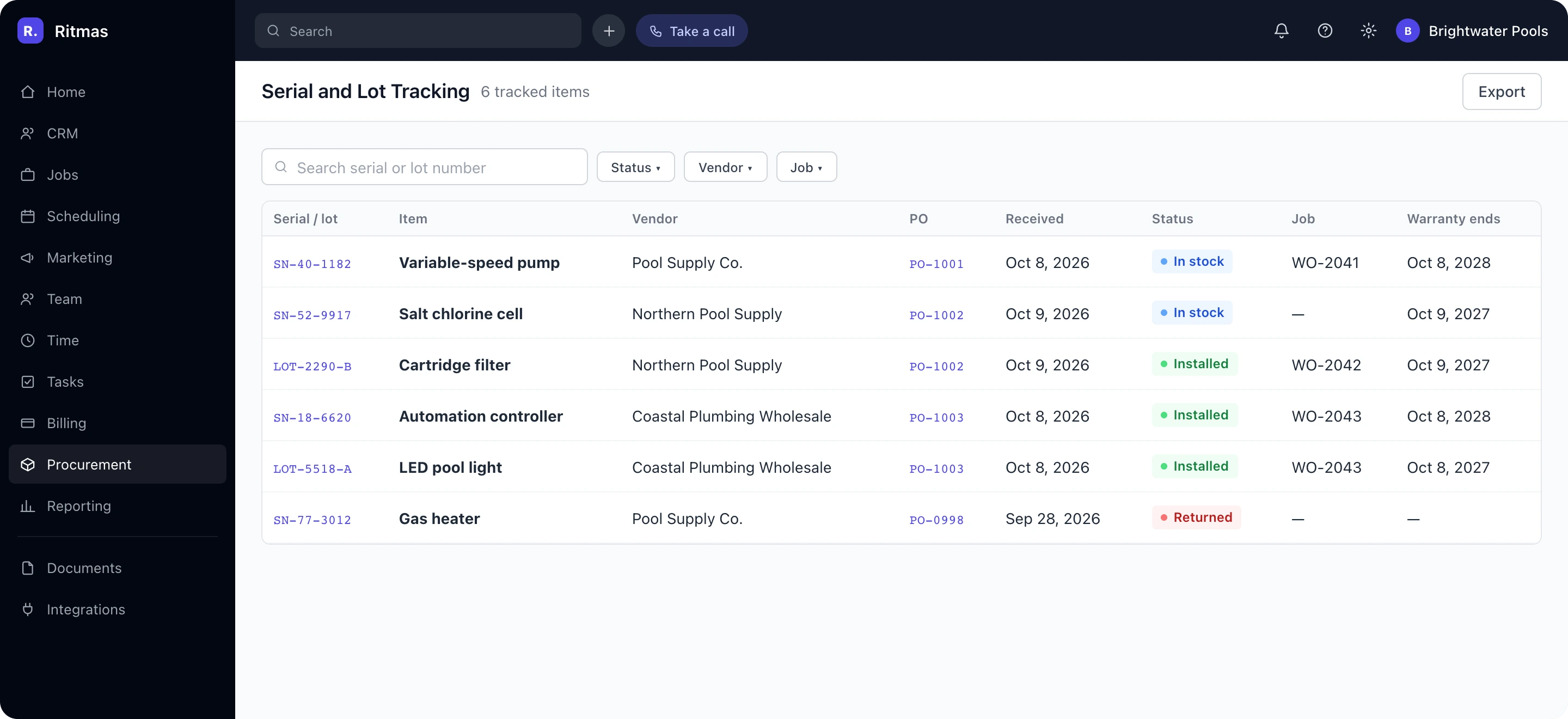
Technicians log deliveries from a phone, capturing serial and lot numbers, condition notes, and photos for warranty claims.
Accurate Materials Cost From Purchase to Invoice

- Delayed cost entry after delivery
- Manual reconciliation of receipts to jobs
- Markup calculated outside the system
- Budget overruns identified at period close
- Vendor spend compiled by hand
- 01Committed and Actual CostVisibility into committed spend, updated as deliveries are received
- 02Automated Cost PostingReceipts post to the job and project budget without manual entry
- 03Billable Materials With MarkupReceived cost flows to the customer invoice at the configured markup
- 04Variance and Spend ReportingEstimated versus actual cost by line, with spend analysis by vendor, category, and job
Inventory Accuracy Across Every Location
Track stock across trucks, warehouses, and sites, replenish automatically, and connect purchasing to accounting and suppliers, with balances and costs staying current.

Multi-Location Stock
Hold inventory on trucks, in warehouses, and at job sites, with transfers between locations and adjustments recorded against each item.
Automated Replenishment
Minimum and maximum levels trigger purchase orders automatically, and deliveries restock the right location without manual entry.
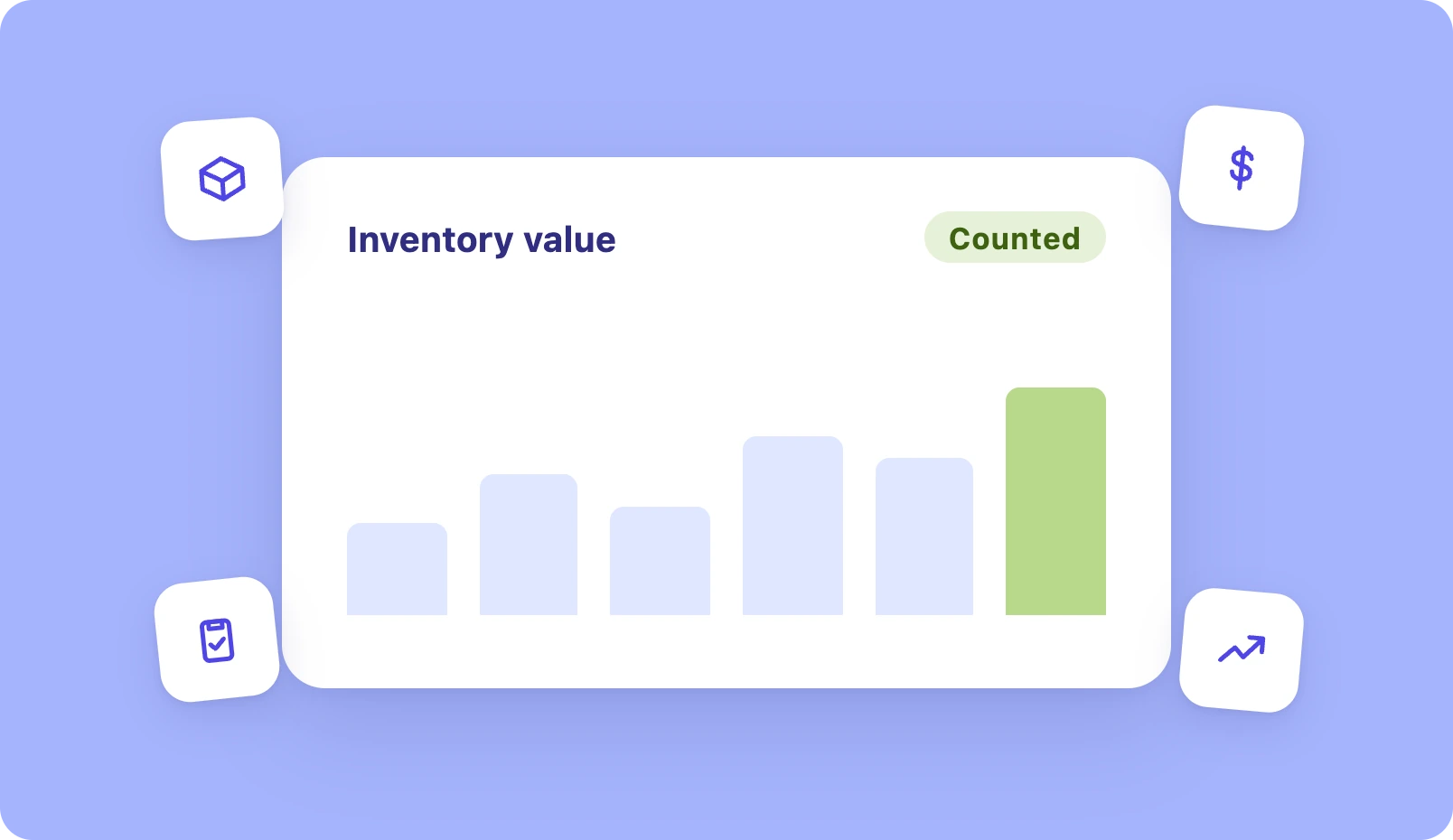
Valuation and Counts
Inventory value by truck, location, and category, with scheduled counts, shrinkage flags, and purchase cost updated at each delivery.
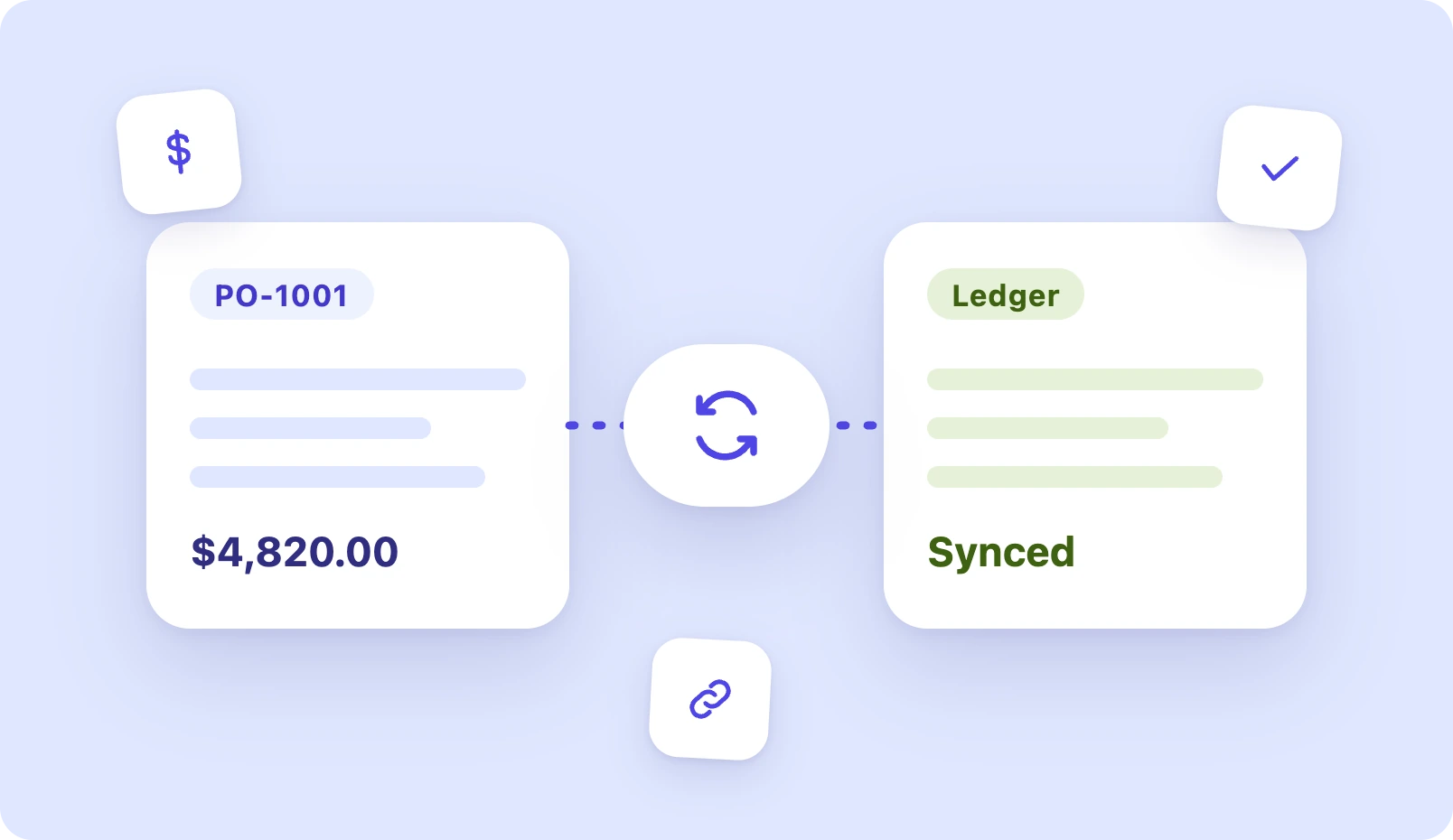
Accounting Sync
Purchase orders, bills, and receipts sync with QuickBooks, keeping the ledger aligned with what was ordered and what arrived.
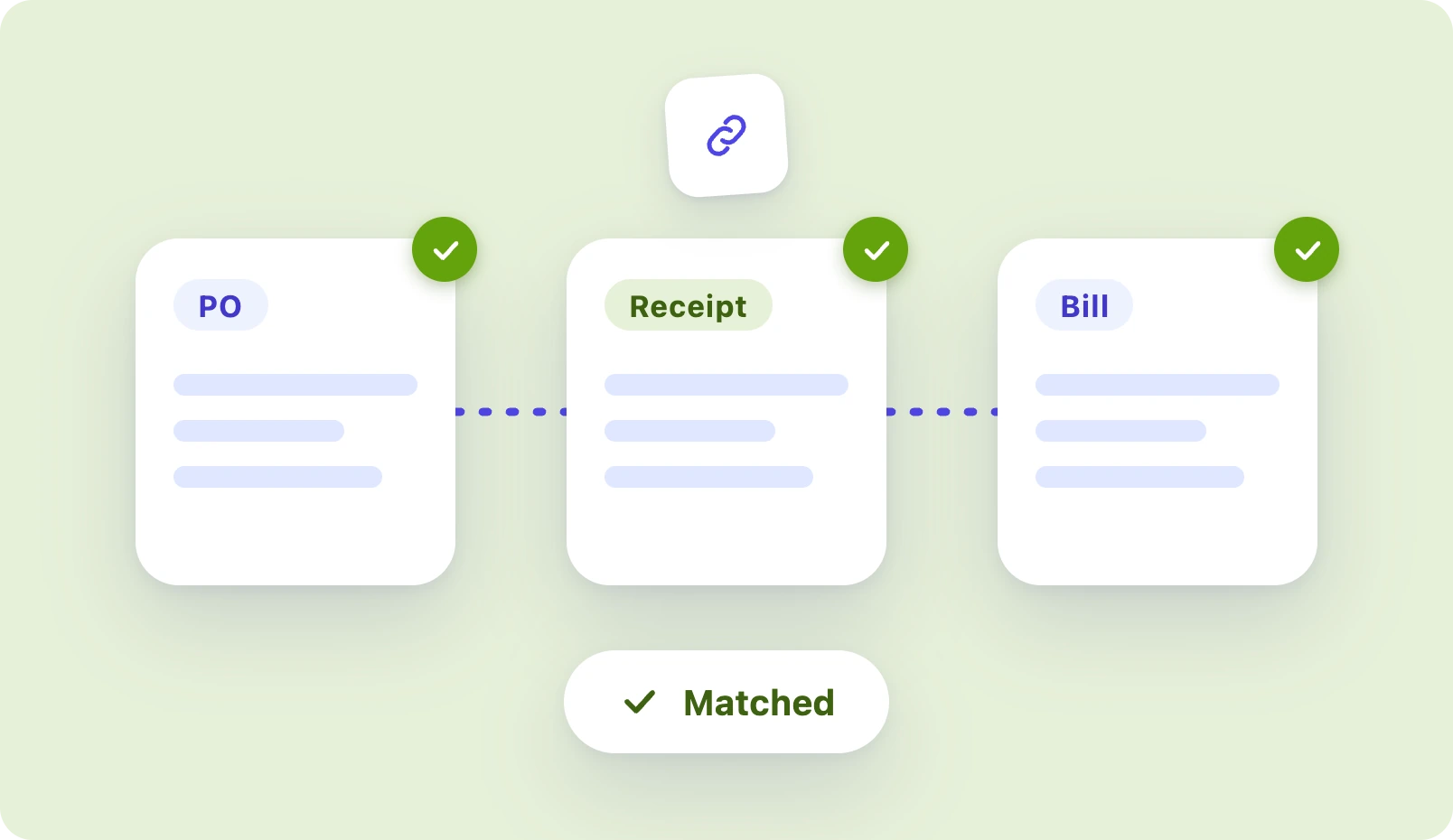
Vendor Bills and Matching
Vendor invoices are matched against orders and receipts before payment, surfacing quantity and price differences early.
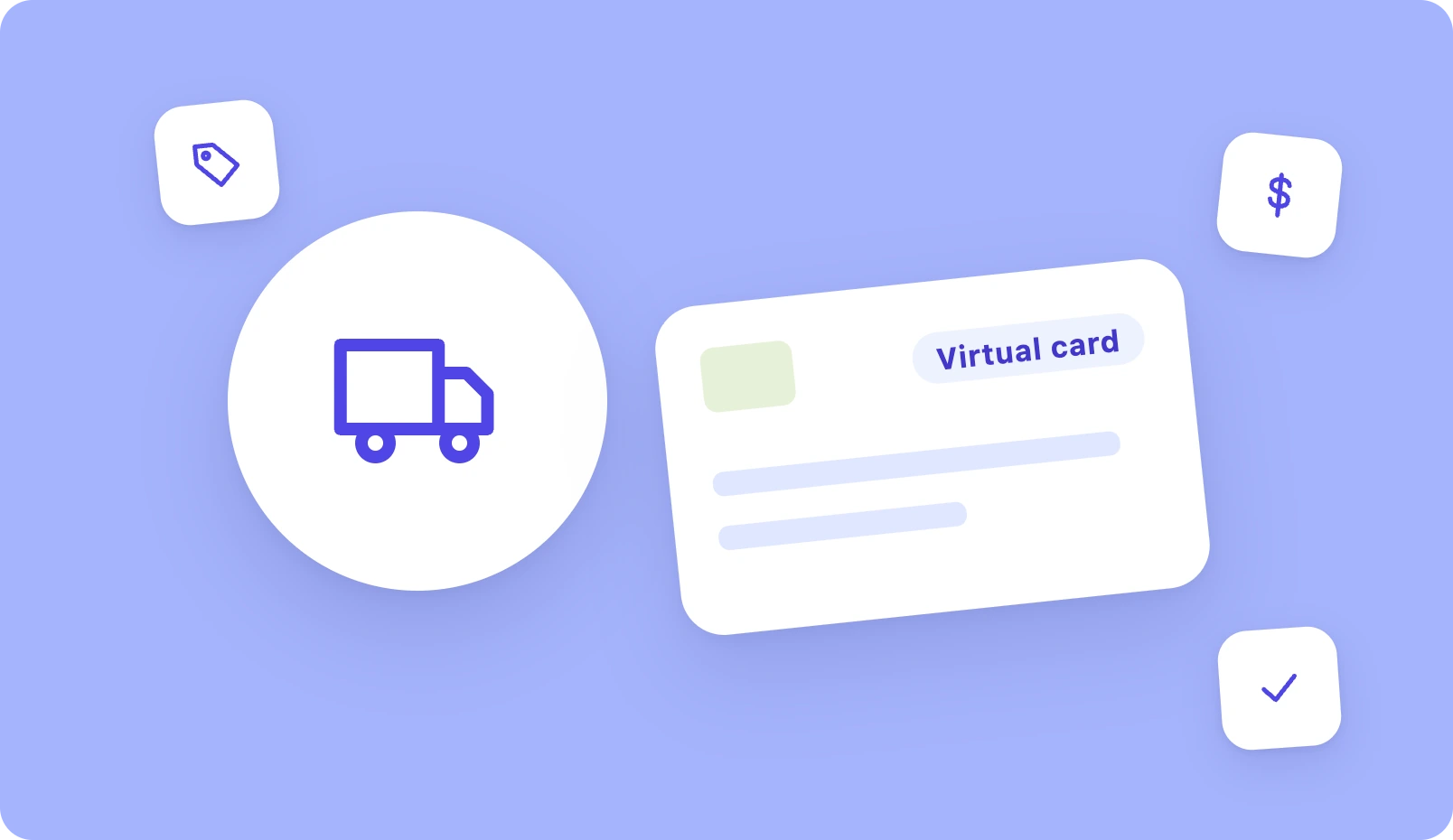
Supplier Catalogs and Payments
Connect supplier catalogs for contract pricing, pay vendors by virtual card, and finance materials on net terms when needed.