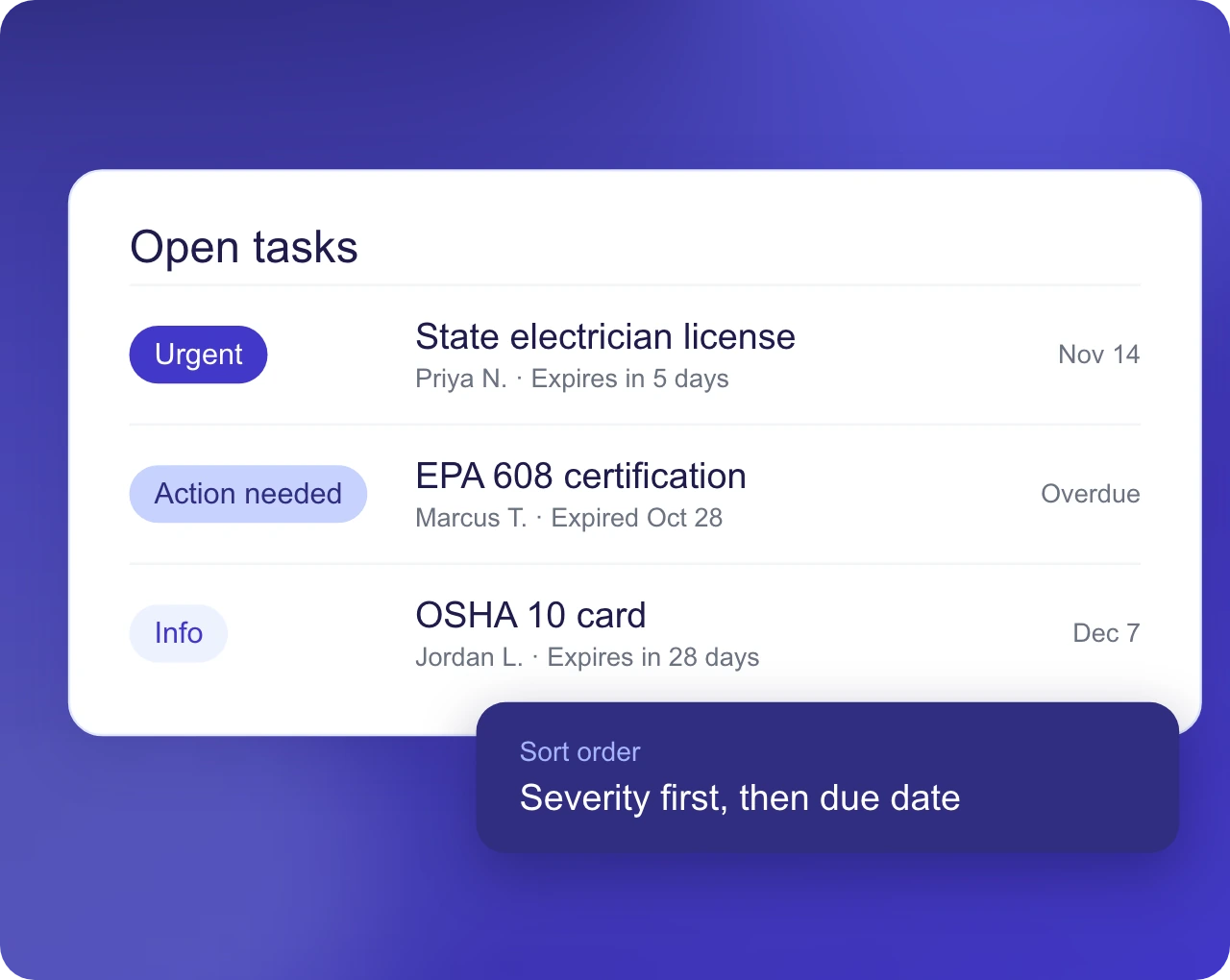
Severity Tiers
Tasks are classified as Urgent, Action Needed or Info and sorted by severity, then due date.
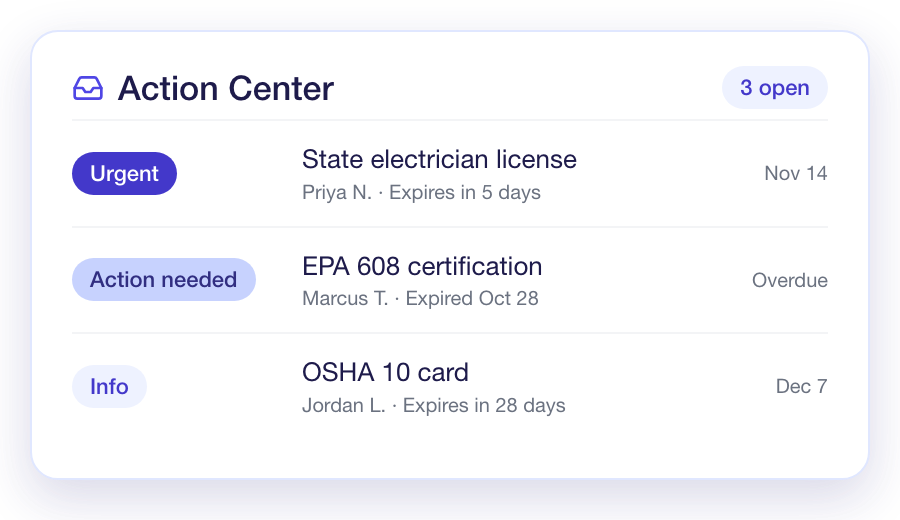
Action Center
Detectors review your live business data and
surface what needs attention in one inbox,
ranked by severity and due date.Detectors review your live business data
and surface what needs attention in one
inbox, ranked by severity and due date.

Proactive Oversight
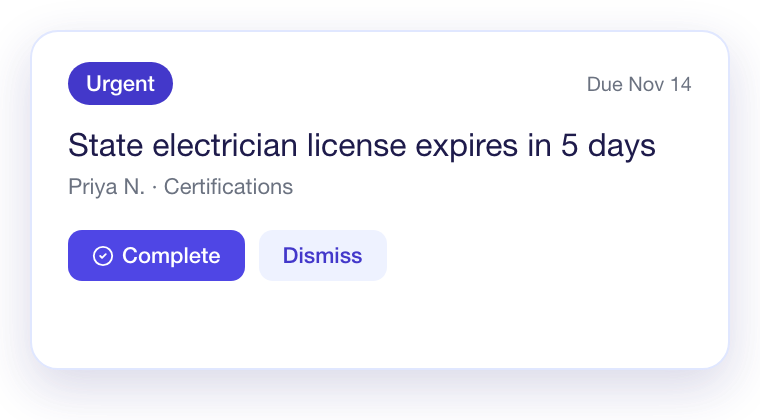
Each finding arrives with a severity, a due date and the record it concerns. Your team works one ranked list in place of checking separate reports.

Task Management
Every task carries an owner-ready status, a severity and a history. No item depends on memory.
Tasks are classified as Urgent, Action Needed or Info and sorted by severity, then due date.
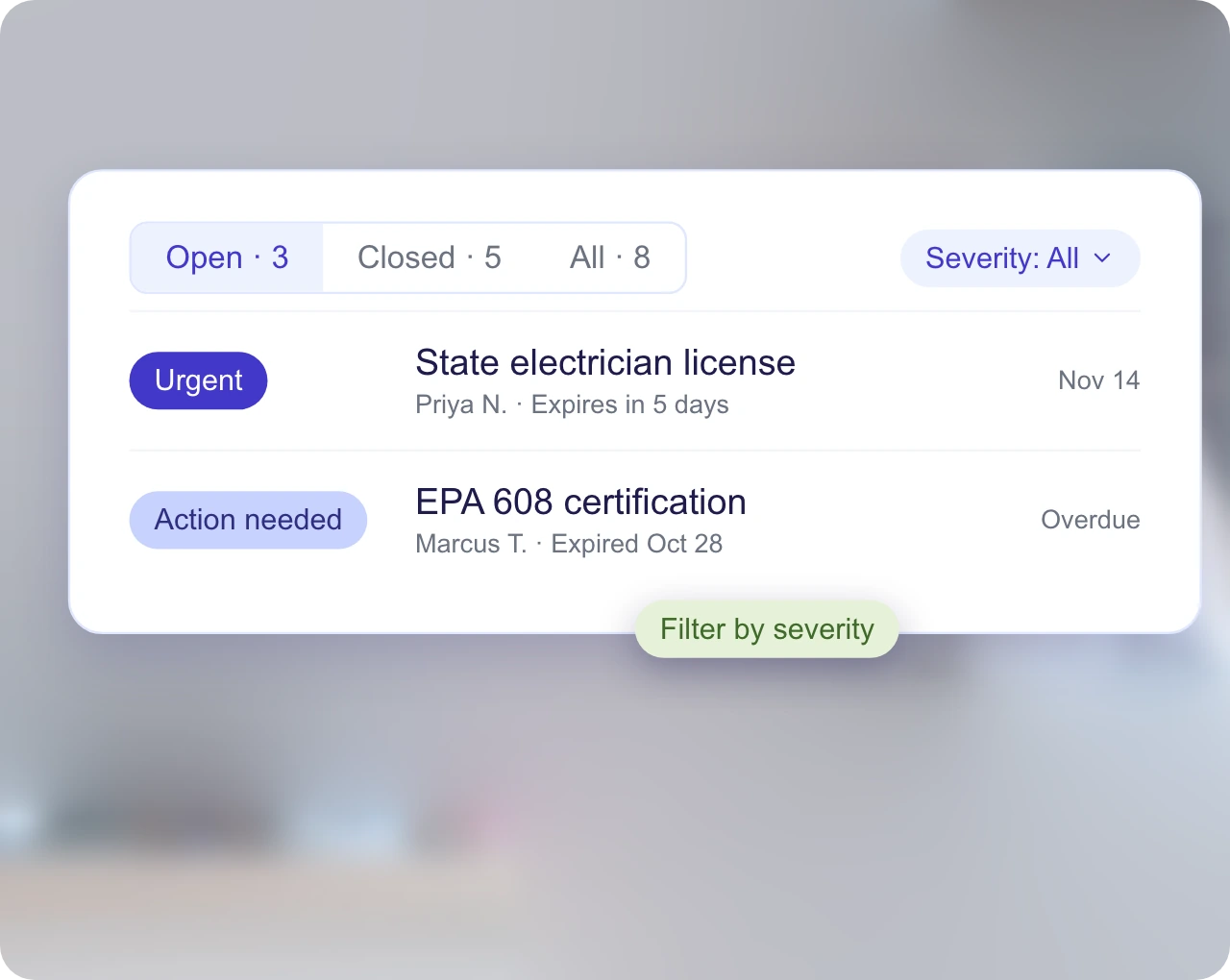
Filter the inbox by status and by severity to focus on what is current.
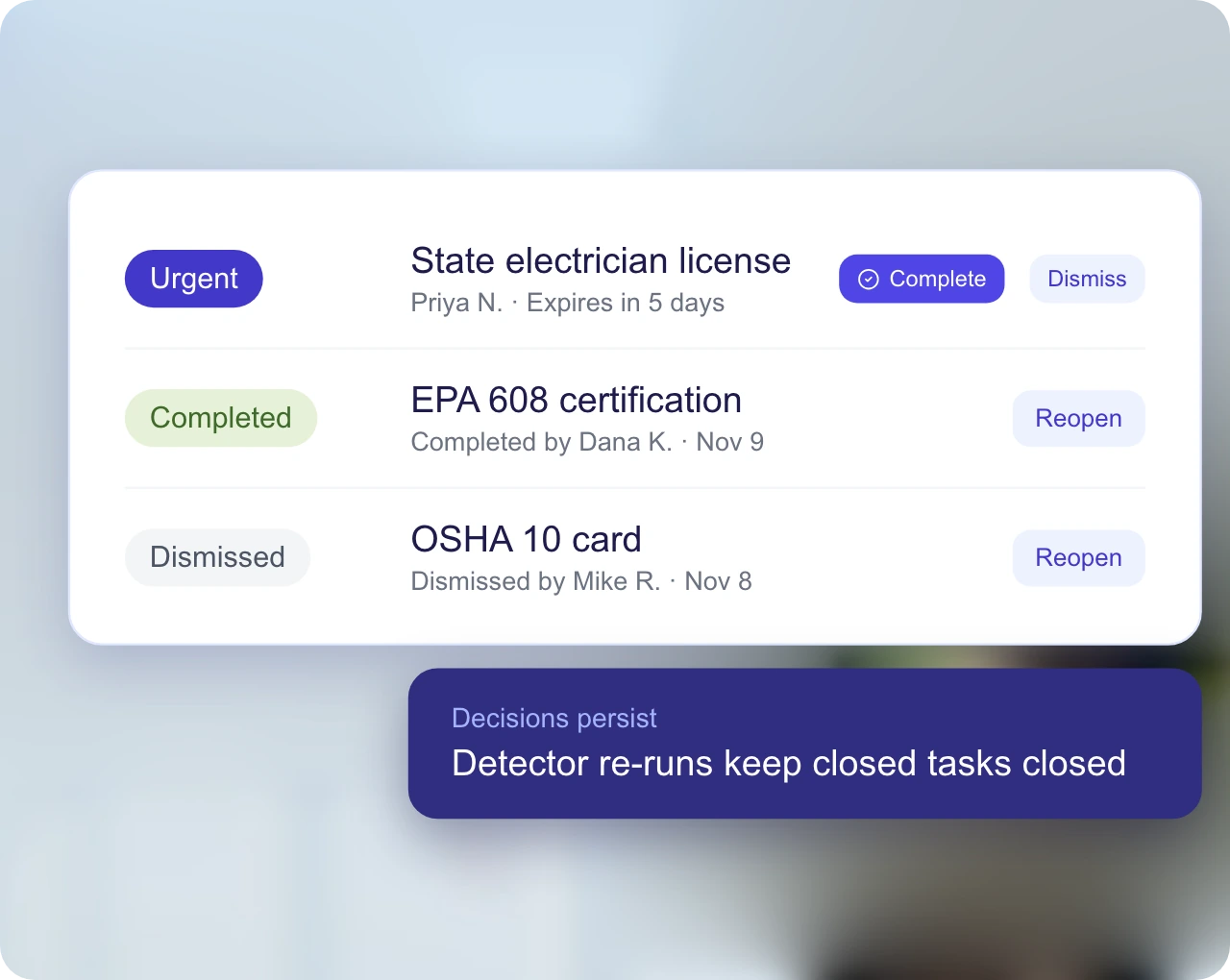
Each decision is recorded and persists when detectors run again.
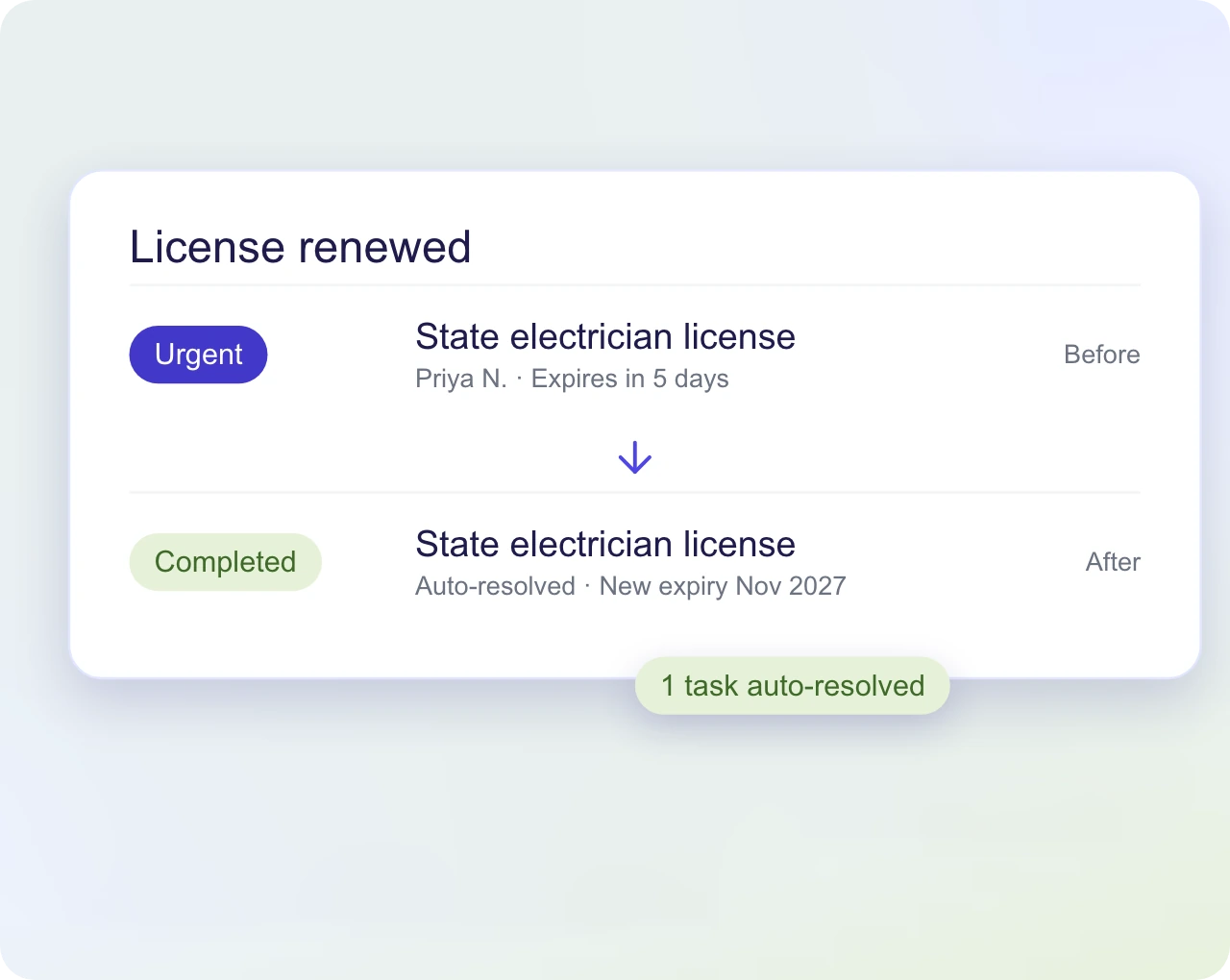
When the underlying condition clears, such as a renewed license, the task resolves itself.
Each detector watches one category of business data and turns a finding into a task with a severity and a due date.
Technician certifications are classified as expired, due within 7 days or due within 30 days, and each one becomes a task with the matching severity.
Invoices past due are surfaced by age so the owner sees receivables that need action.
Contracts due for renewal and accounts that have not booked in 90 days are flagged for outreach.
Vehicle inspections, insurance renewals and repeat-service jobs with no next visit are surfaced ahead of the deadline.
AI and Controls
The AI consultant adds judgment-based recommendations to the same inbox, and access and detector settings decide who sees what.
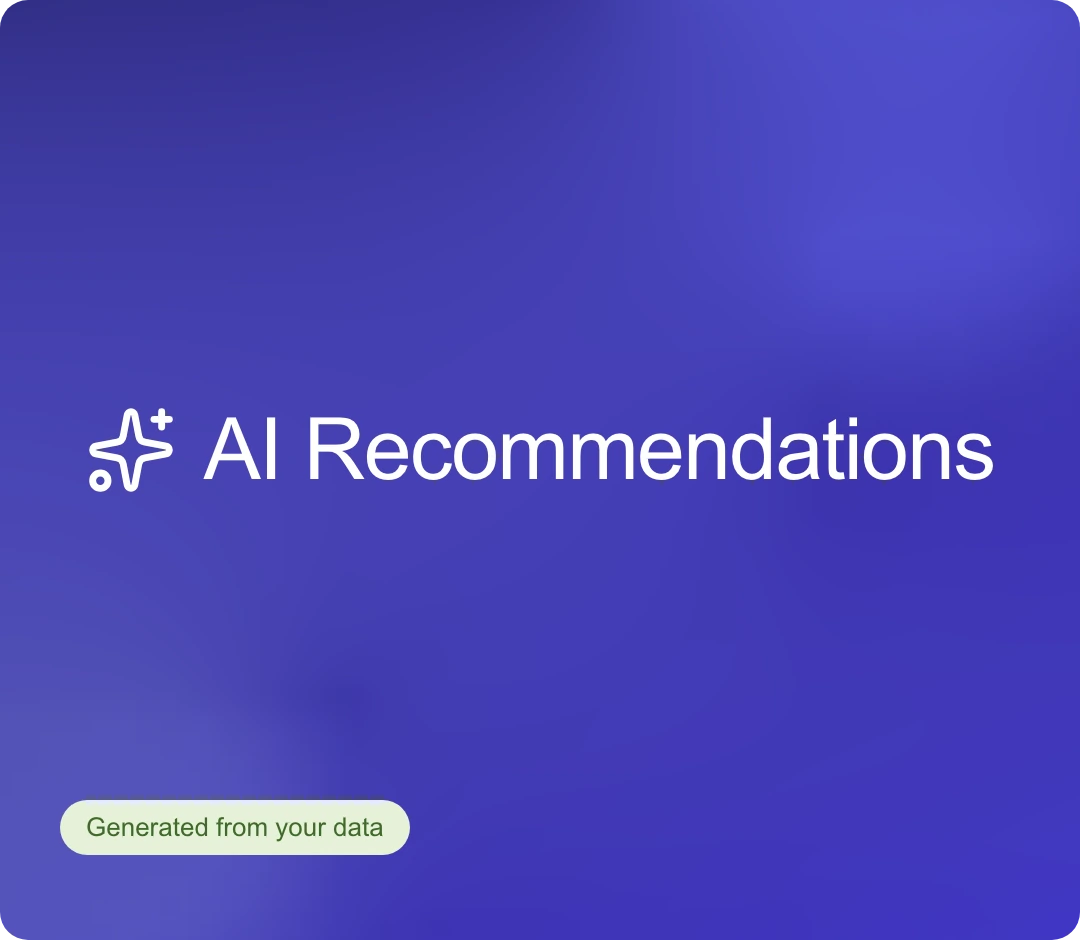
The consultant proposes items for review, such as top customers who have not booked in 90 days. Each can be accepted or dismissed.
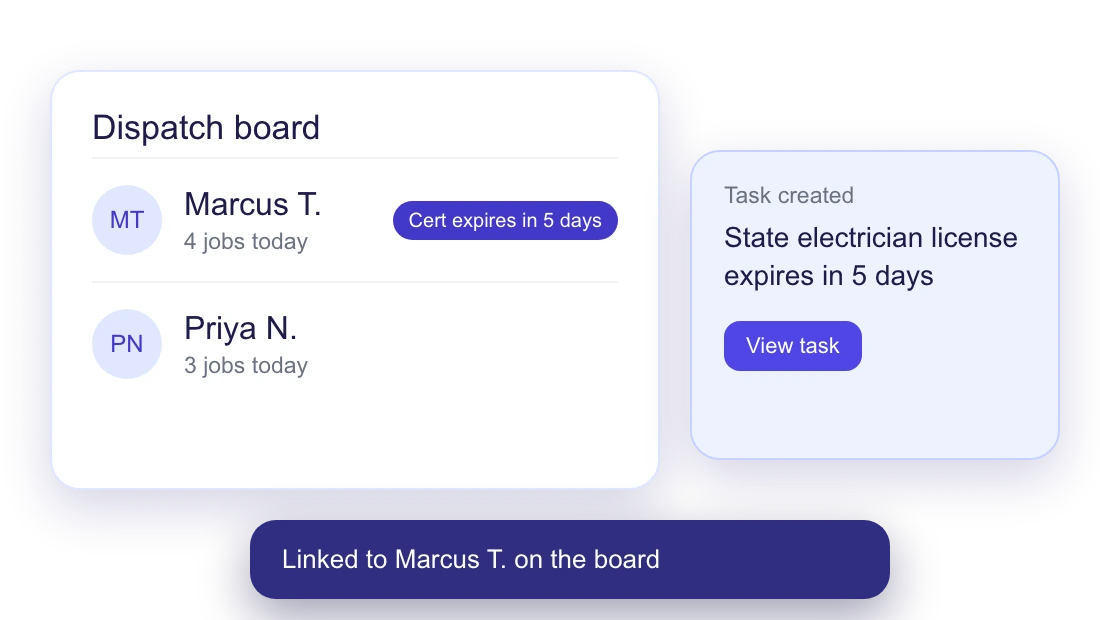
Findings also appear where the work happens, such as a certification chip next to a technician on the dispatch board.
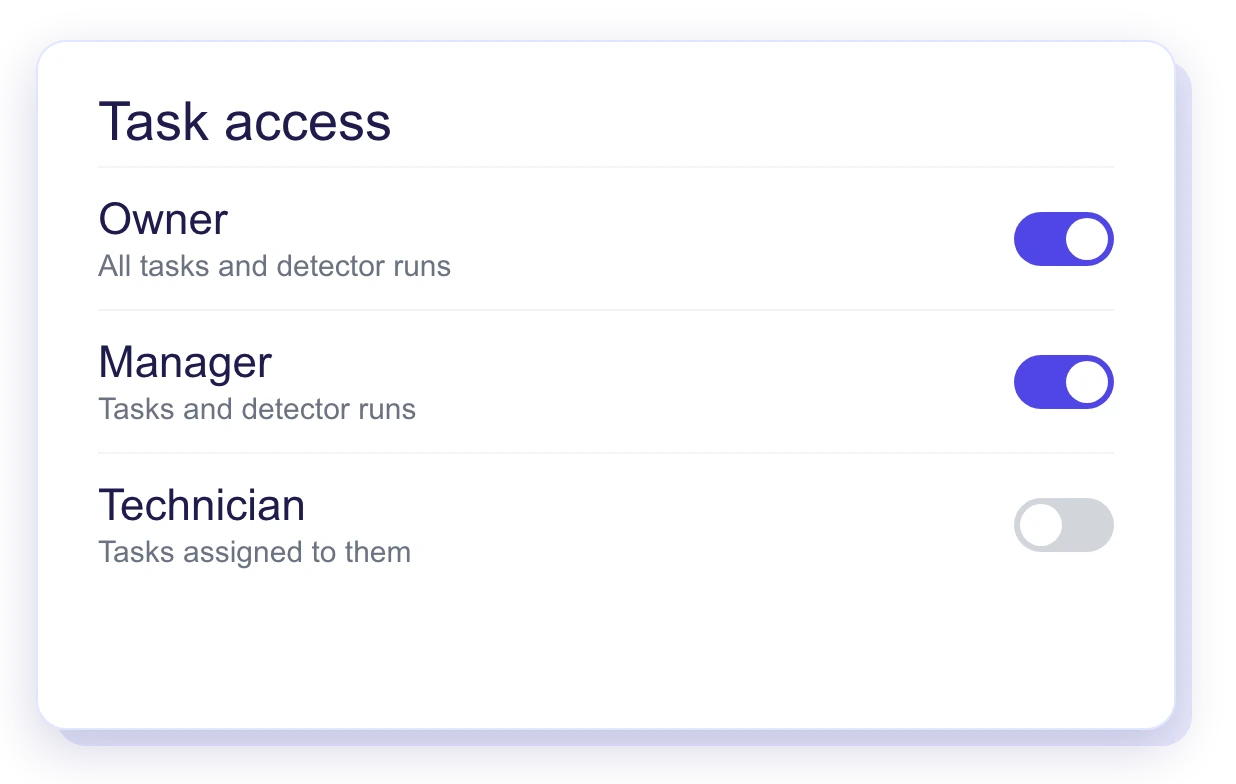
Tasks are visible by role, and only managers run detectors.
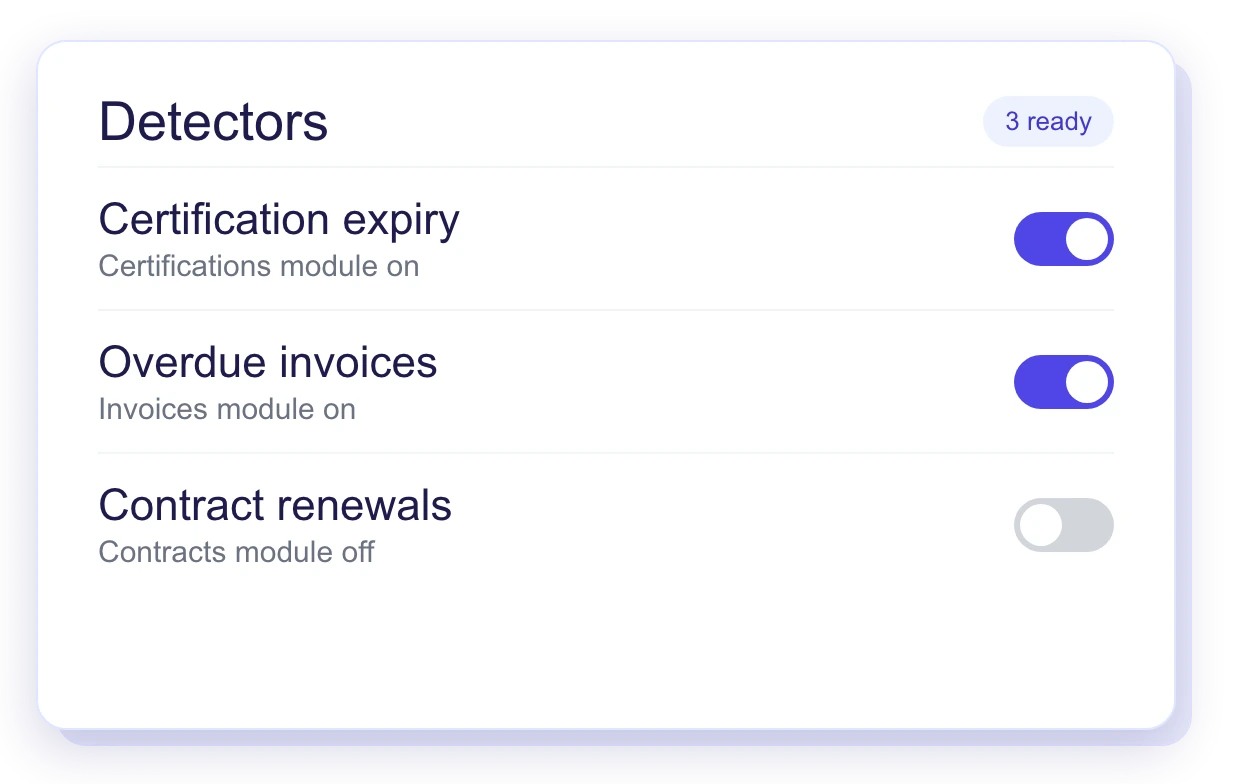
A detector runs only when its module is enabled.
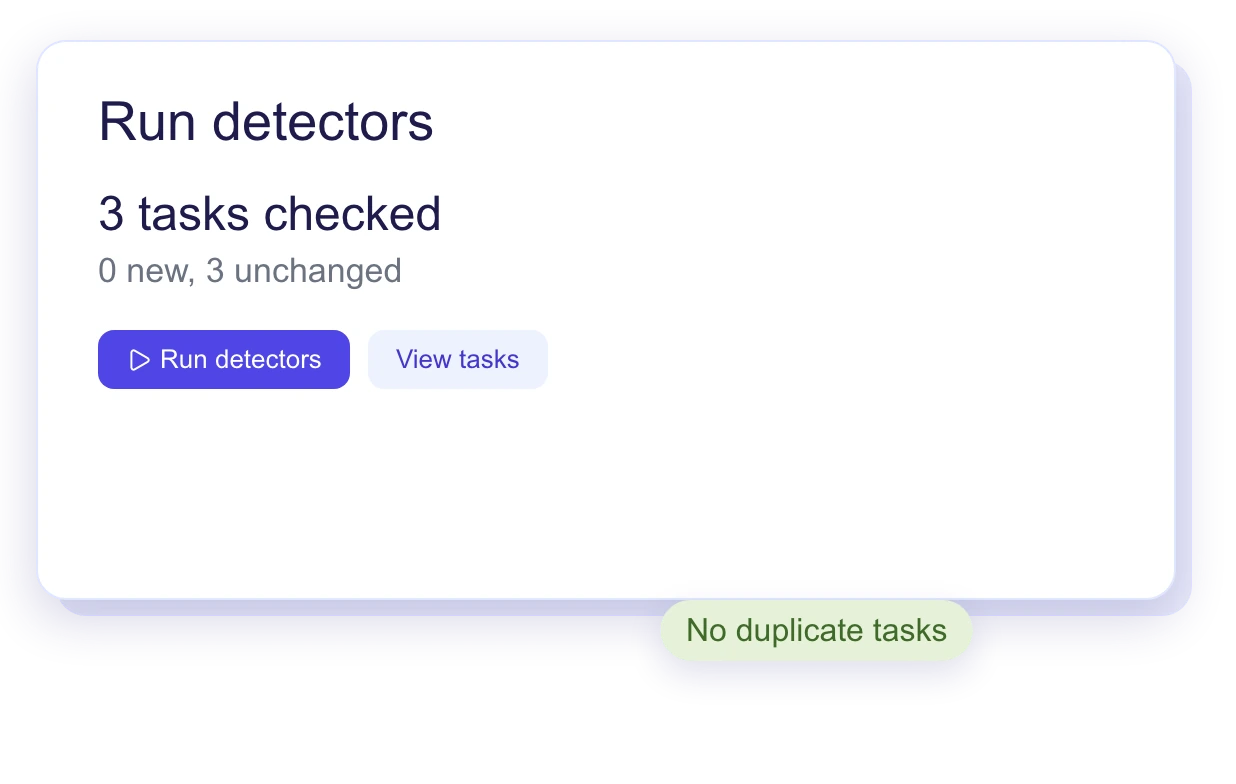
Running detectors again updates existing tasks and does not create copies.
The Action Center is one inbox for what needs attention across the business. Detectors review your live data and raise findings, each ranked by severity and due date and linked to the record it concerns.
Detectors run against live operational data such as jobs, invoices and customers, and create a task when something needs attention. Each task carries a severity, a due date and the record involved, so your team knows what to act on first.
Yes. Your team works one ranked list in place. When a task is completed it moves to the Closed tab, so there is a record of what was handled.
Reports show the numbers. The Action Center turns what the data shows into a ranked list of work, so your team does not check separate reports to find what needs attention.
Yes. Findings are drawn from the same live records that run scheduling, estimates, work orders and invoicing, so there is no separate data to sync or maintain.
See how Ritmas helps you rank priorities from live business data while keeping every task tied to its record.