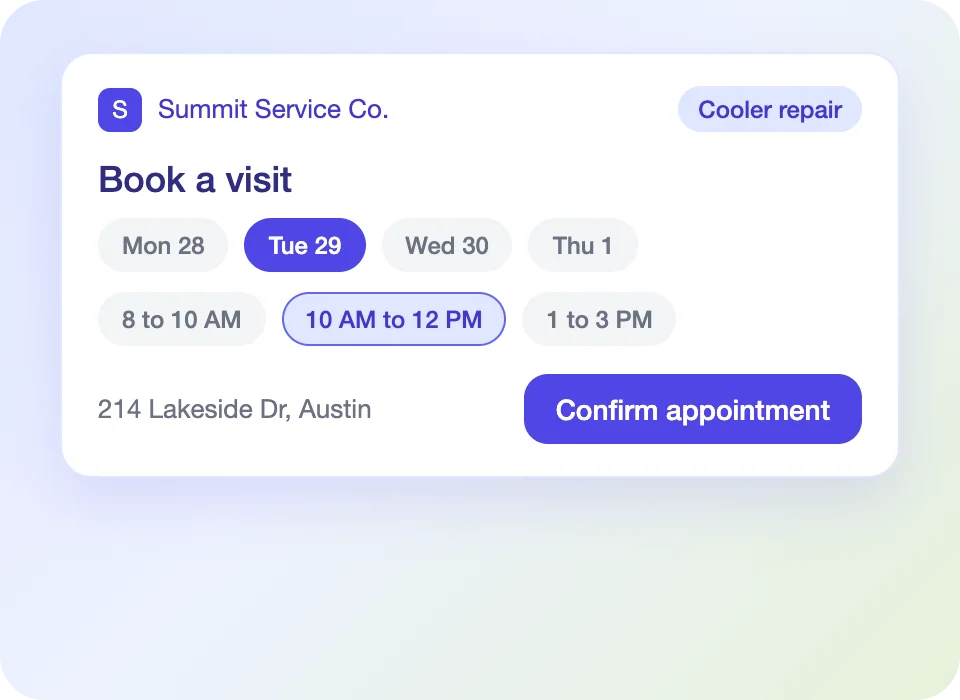
Self-Service Appointments
Customers select an open window and the visit lands on the schedule.
Customer Service Management
Calls, appointments, portal activity and follow-up attach to the account, location and work order your teams already use.
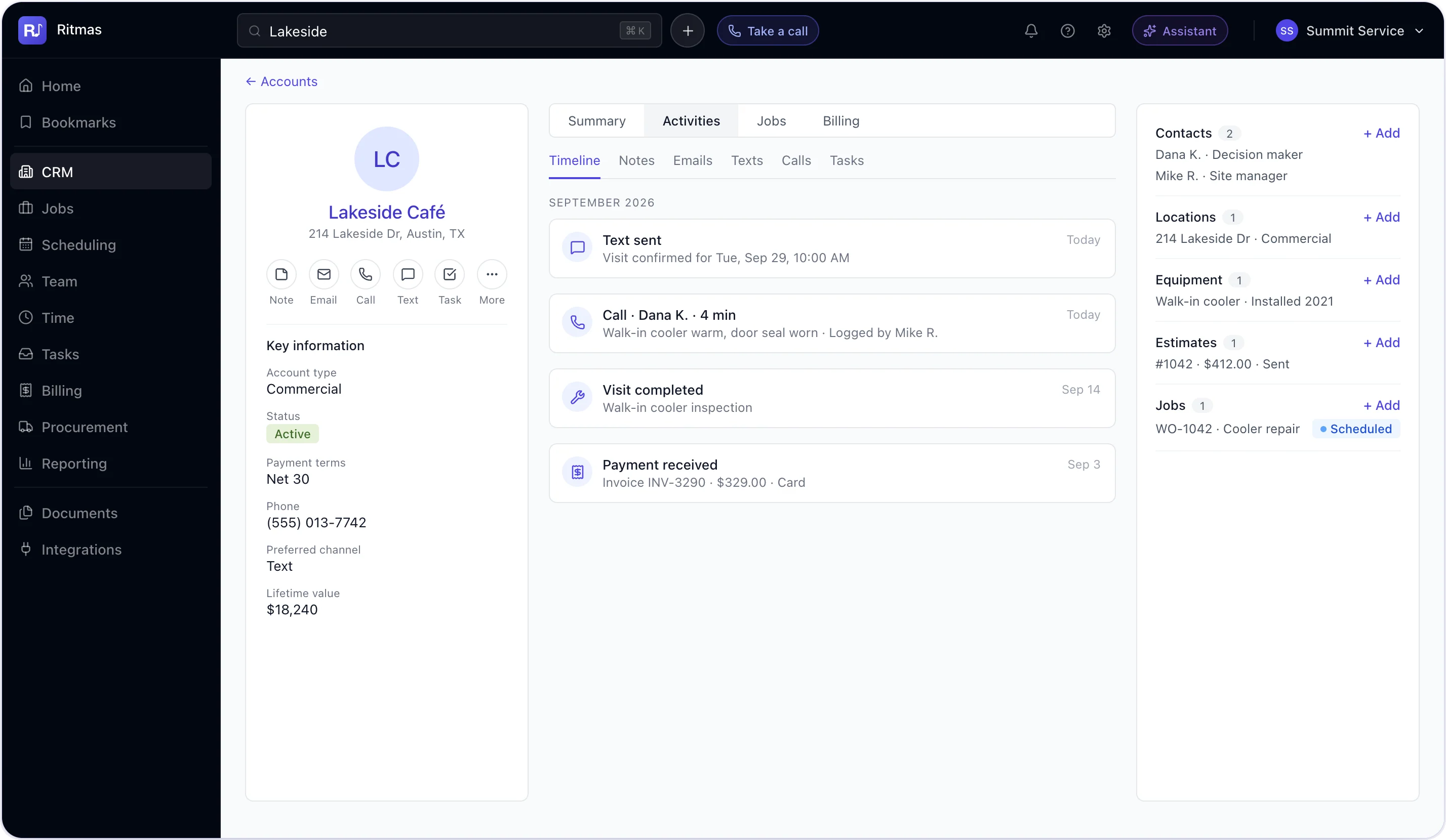
Intake
Phone, web and text requests match or create the account and open a job in one step. Agents see the caller, location and open work before the first question.

Customer Record
Logged to the account with notes and outcome.
Texts and emails sent and received from the record.
Confirmed, moved and cancelled with a full history.
Approvals, payments and requests in sequence.
Visits, documents and payments by location and equipment.
Configured to your organization
Self-Service
The portal reads from the same records your teams update.
Customers select an open window and the visit lands on the schedule.
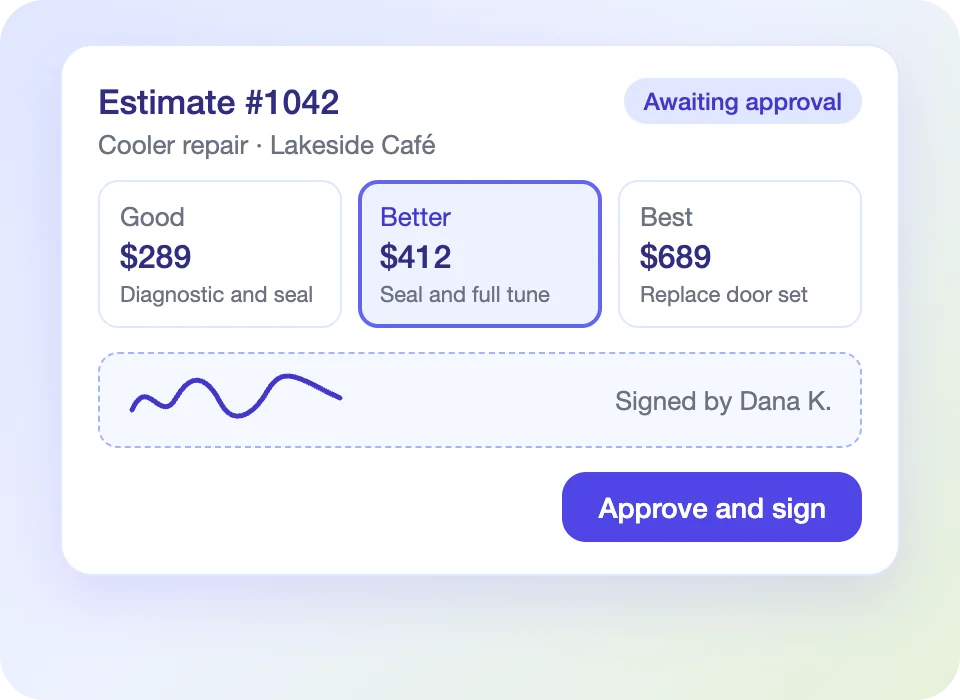
Review options and approve with a digital signature.
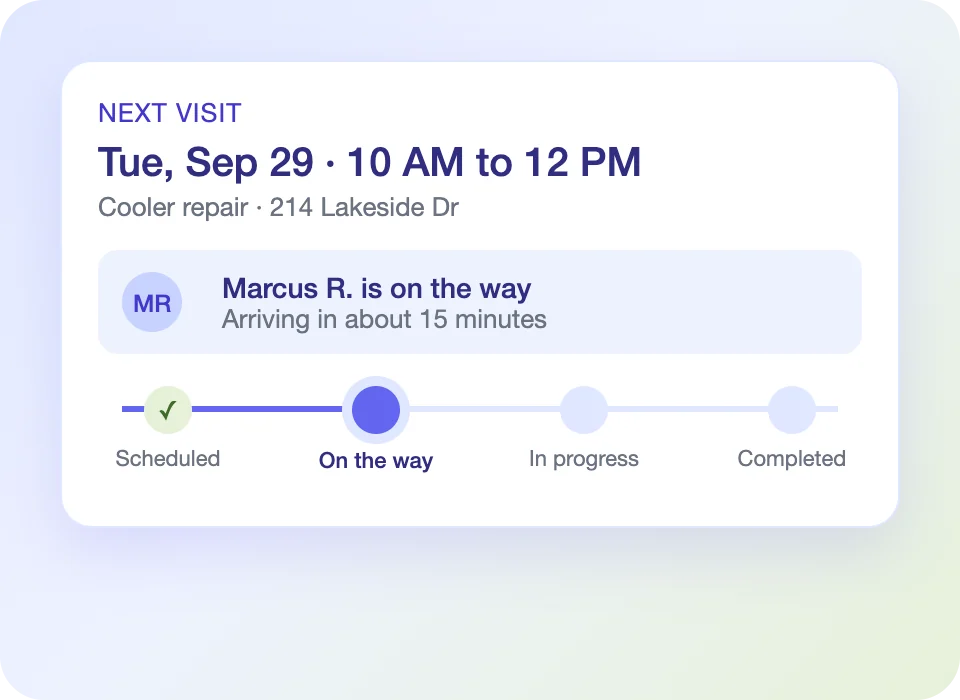
See the next visit and the status of open work.
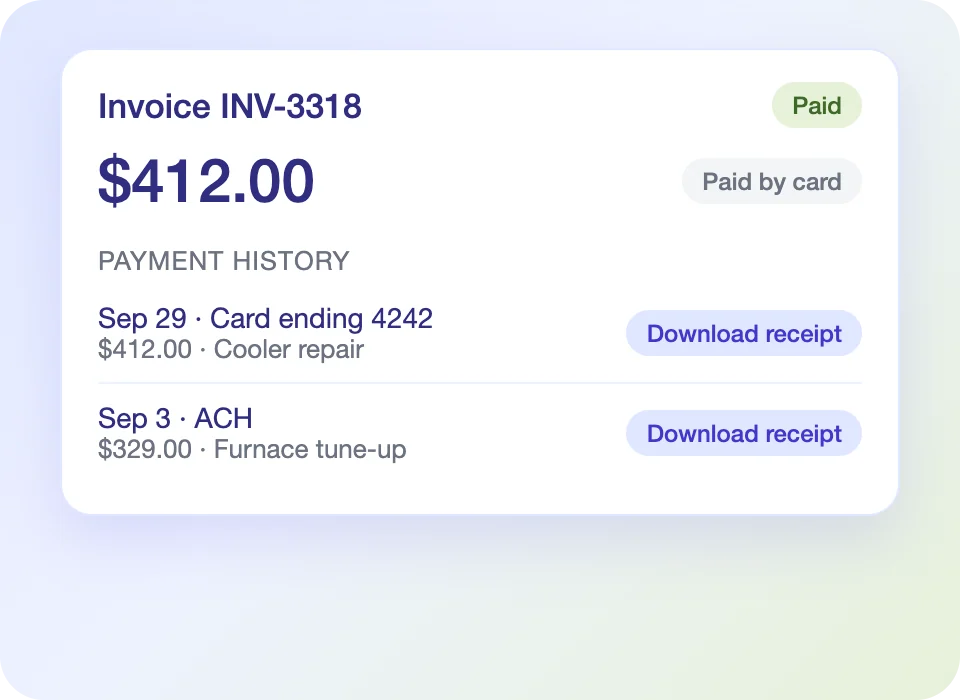
Pay online and download receipts and payment history.
Communication
Messages follow workflow events and carry your branding.
Sent when a visit is scheduled.
Sent ahead of each appointment on a schedule you define.
Customers know when the crew is on the way.
Estimate, job and invoice changes reach the customer automatically.
Retention
Memberships and agreements generate visits and invoices on a set cycle.
Automated check-ins confirm satisfaction after each visit.
Request reviews at job close to build public reputation.
Identify accounts due for their next visit.
Call intake, appointments, the customer portal, messages, service plans and follow-up, all tied to the job record.
Yes. They select an open window and the appointment lands on your live schedule.
Approve estimates, review job status, pay invoices and read service history.
Yes. Estimates, invoices, emails and the portal share your brand standards.
Each customer sees only their own account, and staff see the data their role allows.
See how Ritmas connects each call, visit and payment to one account.