
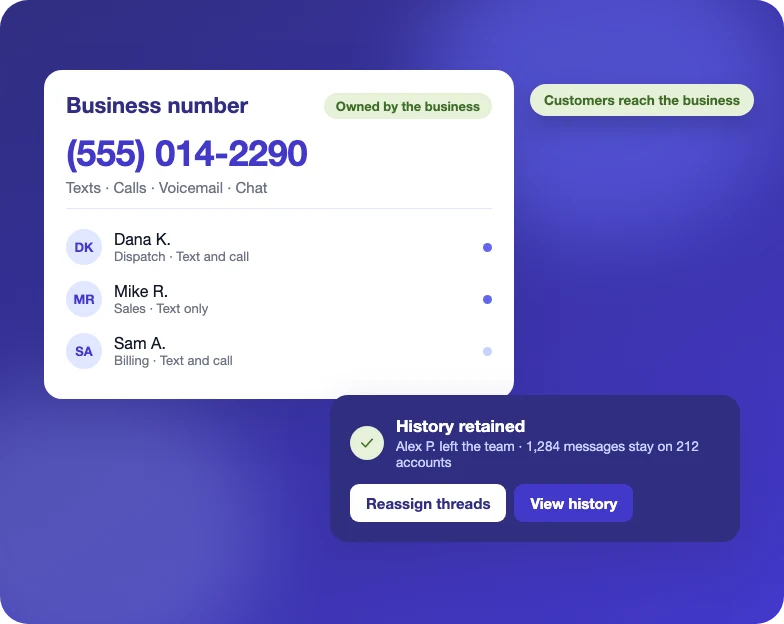
Dedicated Business Number
Route all customer messaging through a business-owned number instead of personal phones. Conversation history stays with the account when team members change roles or leave.
Communication Hub
Run two-way texts, emails and calls from a dedicated business number, with every message tied to the account and sent from templates.
Integrated Communication
Texts, emails and calls are stored with scheduling, work orders and billing, giving dispatch, sales and accounting one shared history.

Unified Messaging
Texts, email replies and website chats arrive in a single inbox, each linked to the account and job it belongs to.
Route all customer messaging through a business-owned number instead of personal phones. Conversation history stays with the account when team members change roles or leave.
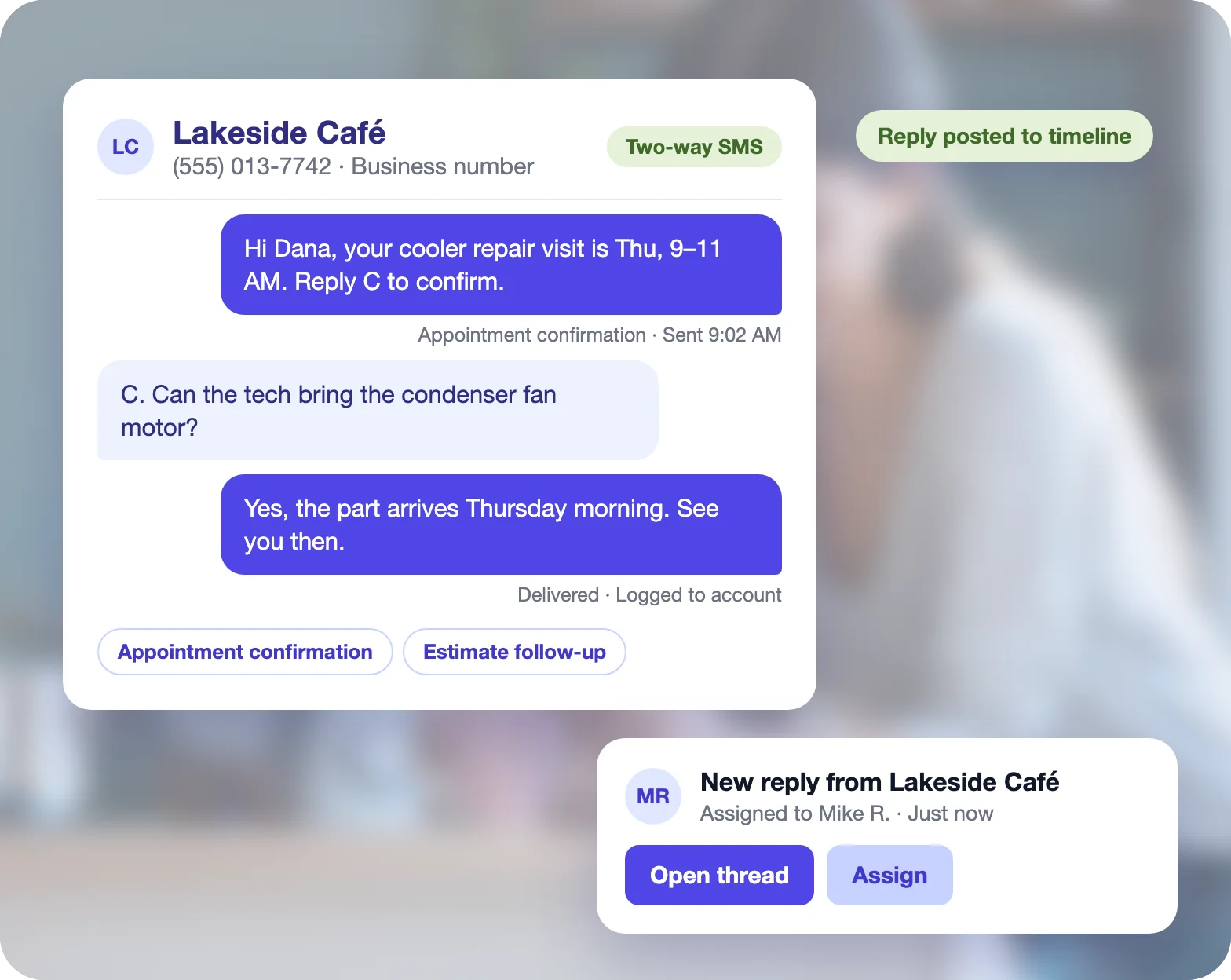
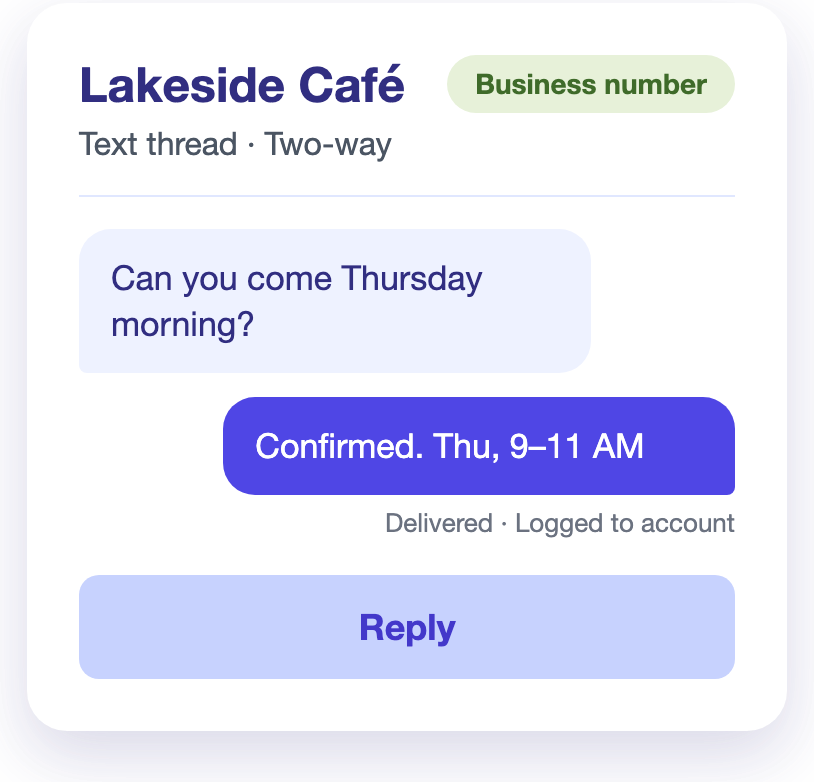
Send appointment confirmations, estimate follow-ups and payment reminders by text from saved templates. Customer replies post to the account timeline and notify the assigned team member.
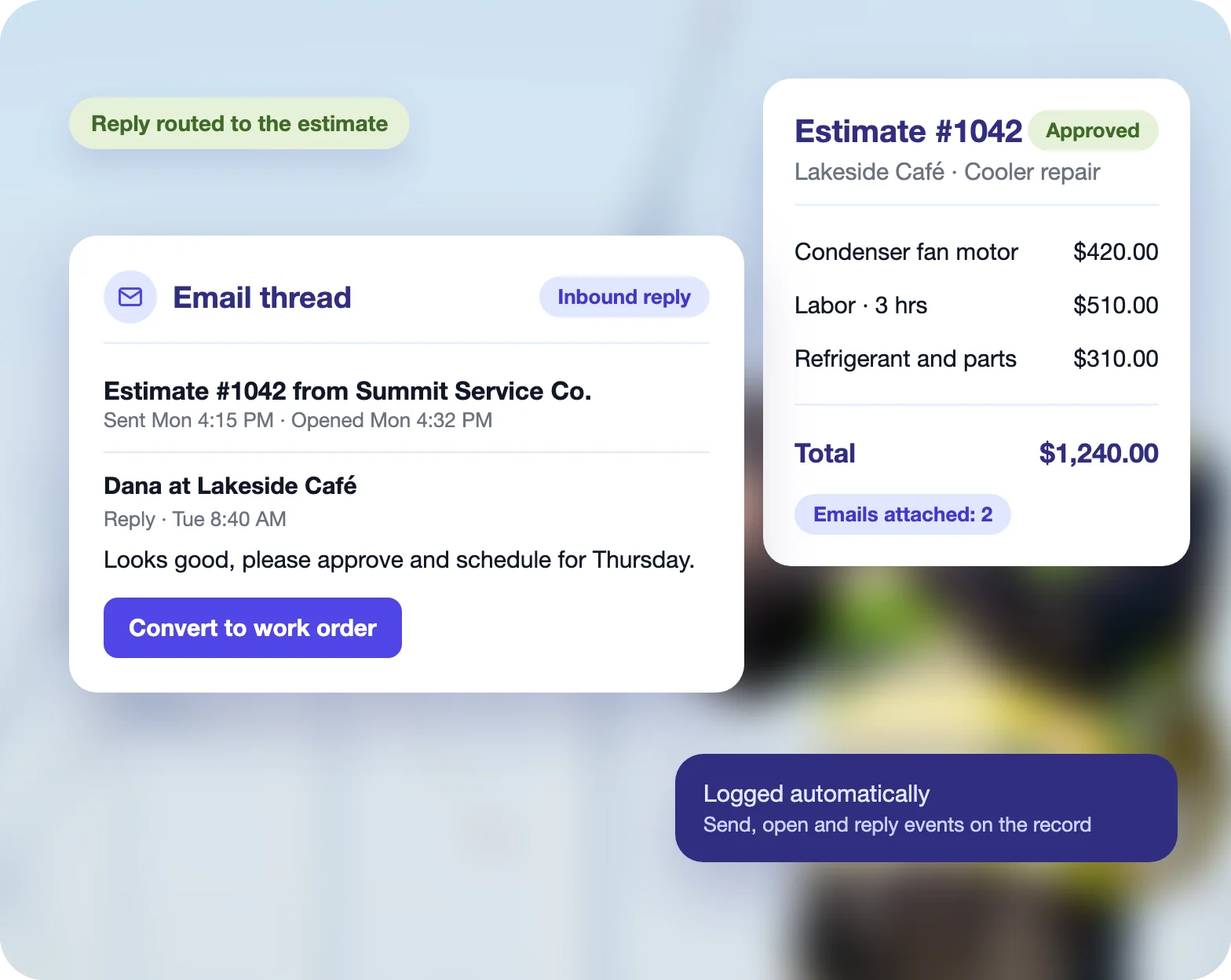
Log estimate and invoice emails automatically. Inbound replies route to the originating record, keeping every response attached to the document that prompted it.
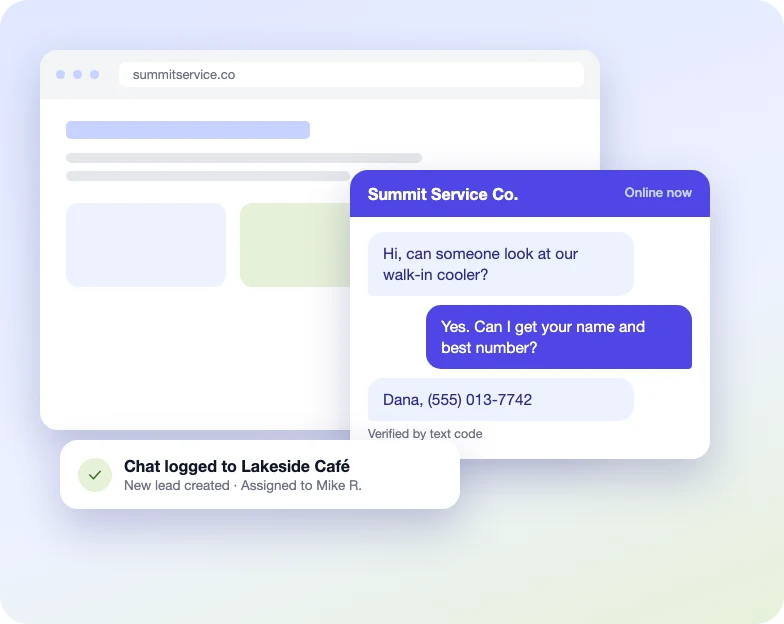
Embed chat on the business website. Visitors start a conversation from the page, and each chat is logged to the customer record alongside texts, emails and calls.
Time, duration and team member are logged on each call.
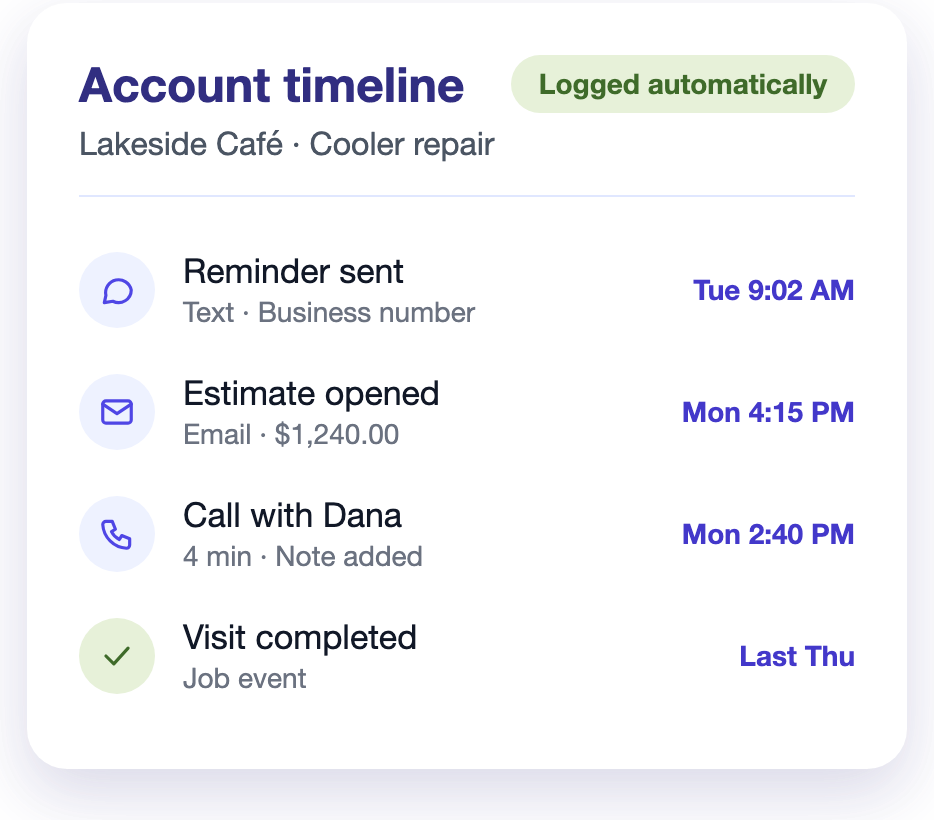
Place calls from inside Ritmas. Timestamp, duration and the team member are logged automatically, with a post-call note added to the record.
Match incoming numbers to customer accounts and log each inbound call automatically, with caller, time and duration attached to the correct record.
Record calls and store voicemail on the account, with playback and notes available from the same record.
View texts, emails and calls in one chronological feed beside estimates, visits and invoices, with each event tied to its source.
Automation & Compliance
Message templates, workflow rules and an AI assistant handle routine customer communication across texts, emails and calls. Opt-out handling and contact channel preferences are enforced on every send, keeping the business compliant.
Answers customer calls and texts when the office is closed, with every conversation logged to the account.
Attach templates to workflow rules and each message sends on the right event automatically.
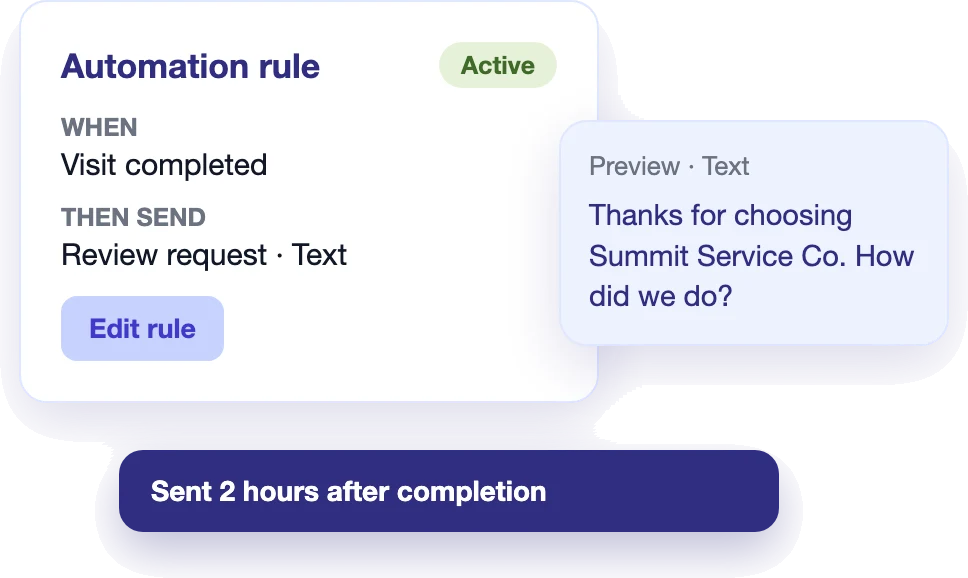
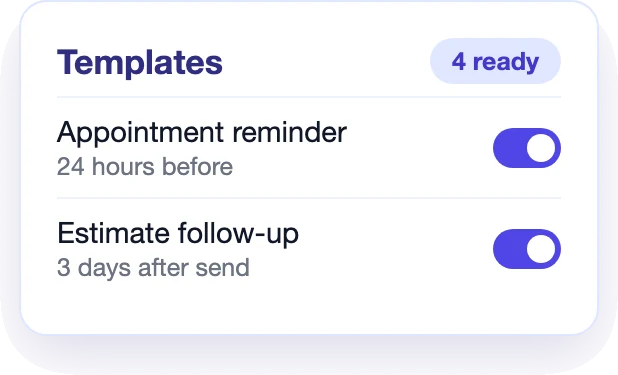
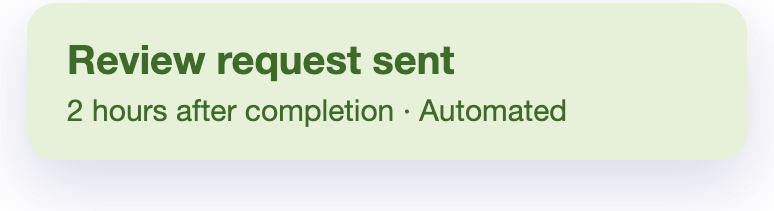
Pre-built templates cover appointment reminders, estimate follow-ups, payment reminders and review requests, each editable for your business.
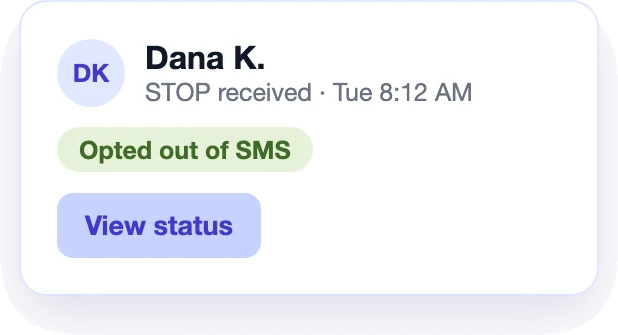
STOP replies are processed automatically, and opted-out contacts are excluded from future texts.
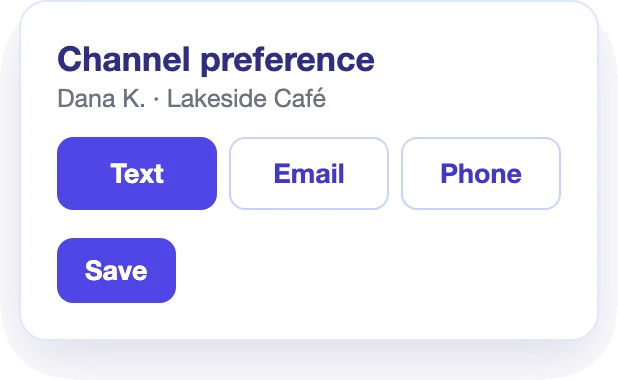
Store each contact’s preferred channel and route messages by text, email or phone accordingly.